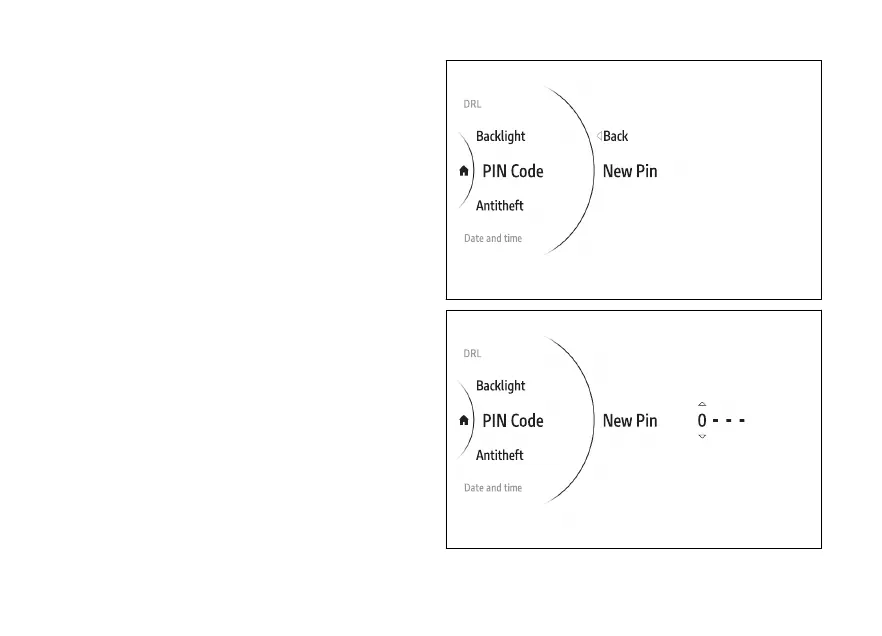
New PIN
●
Use (1) and (2) from the Interactive
Menu to select the menu item and press
ENTER (3).
●
Select the "PIN Code" item and press ENTER (3).
●
Select the New PIN item and press ENTER (3).
The display shows New PIN on the and the first
of the 4 digits active for the entry.
Entering the code:
●
The 2 arrows above and below the digit indicate
that the number can be changed from 0 to 9
using (1) and (2).
●
Press ENTER (3) to confirm and move on to the
following digit.
●
Repeat the procedure until entering all 4 digits
(Fig 142).
Fig 140
Fig 141
162











 To Next Page