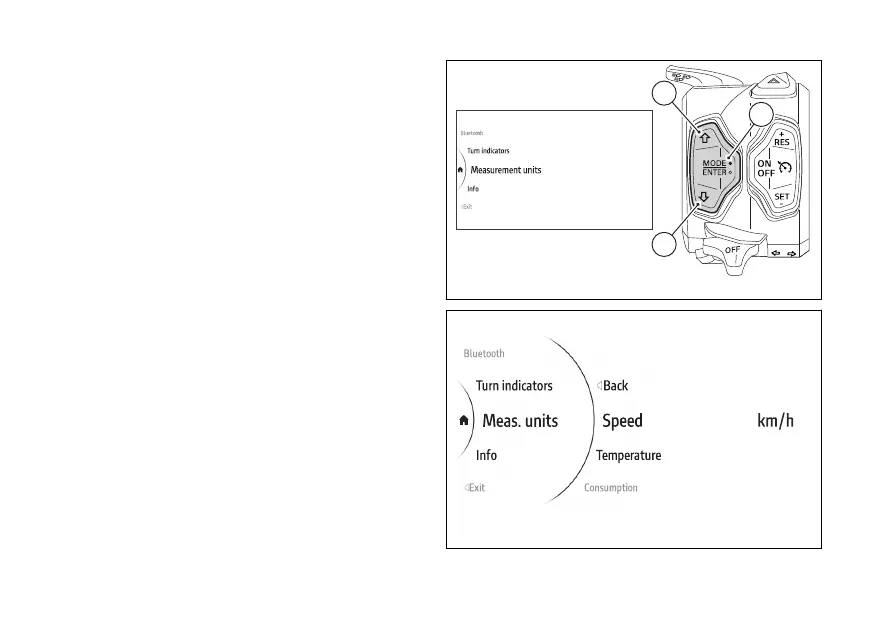
menu - Measurement units
This function allows the units of
measurement used by the instrument panel.
●
Use (1) and (2) from the Interactive
Menu to select the menu item and press
ENTER (3).
●
Select the Measurement Units item and press
ENTER (3).
The following items are displayed in the middle:
Speed, Temperature, Consumption and All Default
(visible only is one or more measurement units have
been changed). The measurement unit currently set
for the selected item is shown on the right.
Use (1) and (2) to scroll and select the desired
item. Press ENTER (3) to access the page.
Fig 186
Fig 187
188











 To Next Page