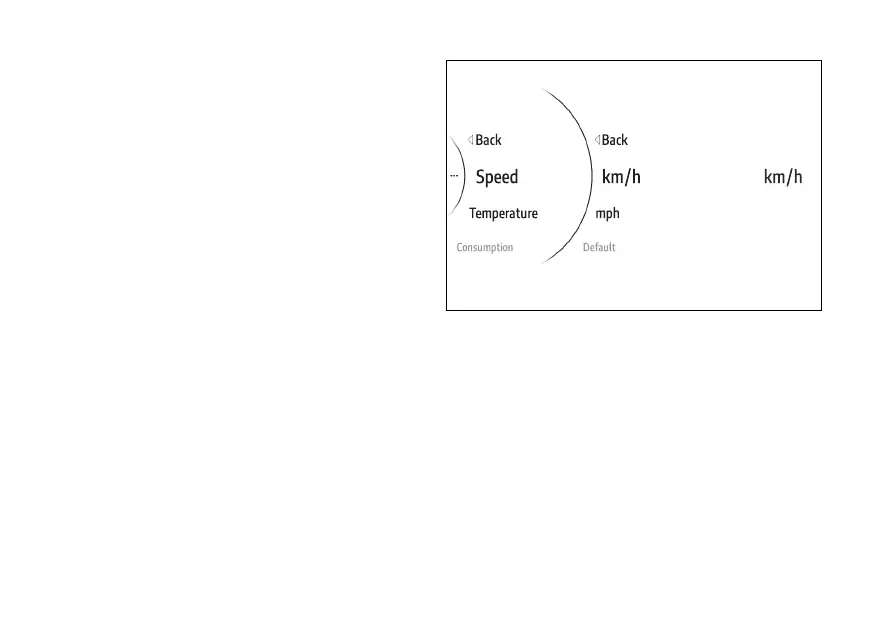
Speed
To set the speed measurement unit:
●
Use (1) and (2) from the Interactive
Menu to select the menu item and press
ENTER (3).
●
Select the Measurement Units item and press
ENTER (3).
●
Select the Speed item and press ENTER (3)
(Fig 187).
Options km/h, mph and Default are listed (visible
only if the measurement unit has been previously
changed). The currently set unit of measurement is
shown on the right-hand side of the display.
Use (1) and (2) to scroll and select the desired
item. Press ENTER (3) to confirm and return to the
previous screen.
Fig 188
189











 To Next Page