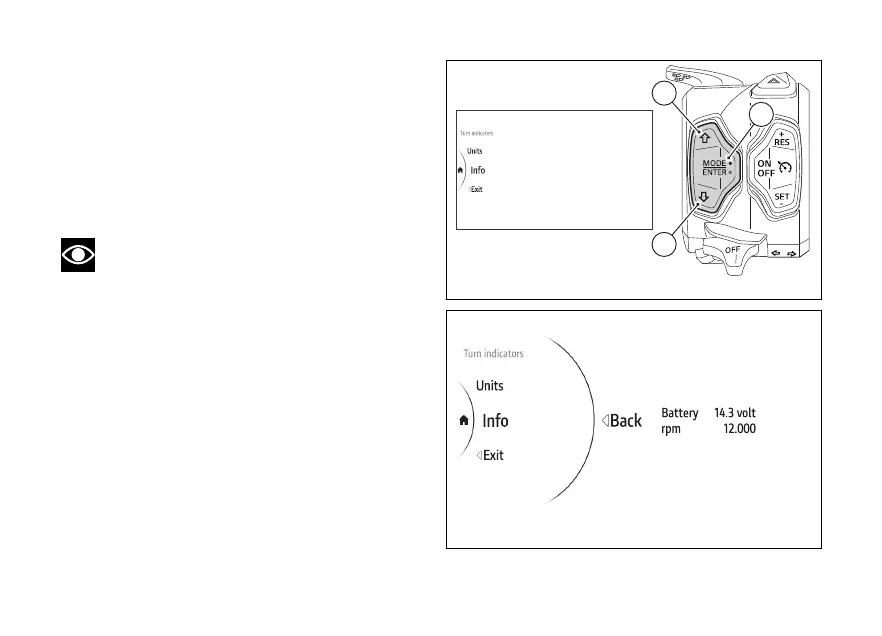
menu - Info
This function allows displaying the next due services.
●
Use (1) and (2) from the Interactive
Menu to select the menu item and press
ENTER (3).
●
Select the Info item and press ENTER (3).
The display shows the information concerning the
and engine rpm in a digital format.
Note
This function does not allow changes to be
made.
Fig 195
Fig 196
194











 To Next Page