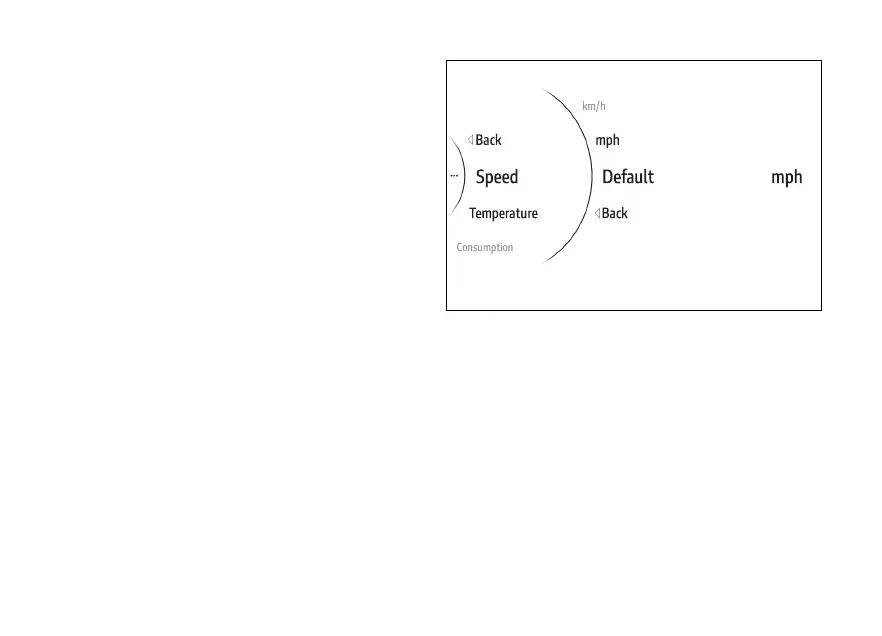
To restore a single unit of measurement:
●
Use (1) and (2) from the Interactive
Menu to select the menu item and press
ENTER (3).
●
Select the Measurement Units item and press
ENTER (3).
●
Select the value to be restored (e.g. speed) and
press ENTER (3).
●
Select the Default item and press ENTER (3).
The instrument panel displays Wait... for a few
seconds followed by Default restored, then
Default disappears from the menu list.
Fig 194
193











 To Next Page