Tyre calibration -
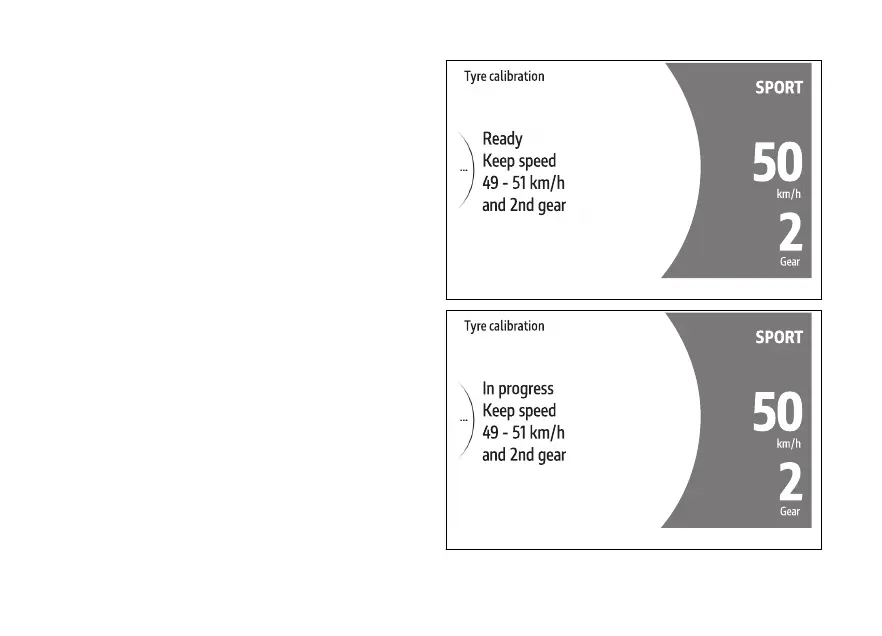
By pressing ENTER (3) with displayed (Fig 171),
the instrument panel shows the screen to proceed
with calibration.
This screen shows the message Ready and the
indication to maintain a constant speed within 49
km/h (30 mph) and 51 km/h (32 mph), with second
gear engaged.
When the rider complies with the required
conditions of speed and gear indicated, the
instrument panel system calibration: all
previous information will be displayed showing "In
progress" instead of "Ready".
Calibration is by keeping speed and gear
within the indicated range for 5 seconds.
Fig 172
Fig 173
179











 To Next Page