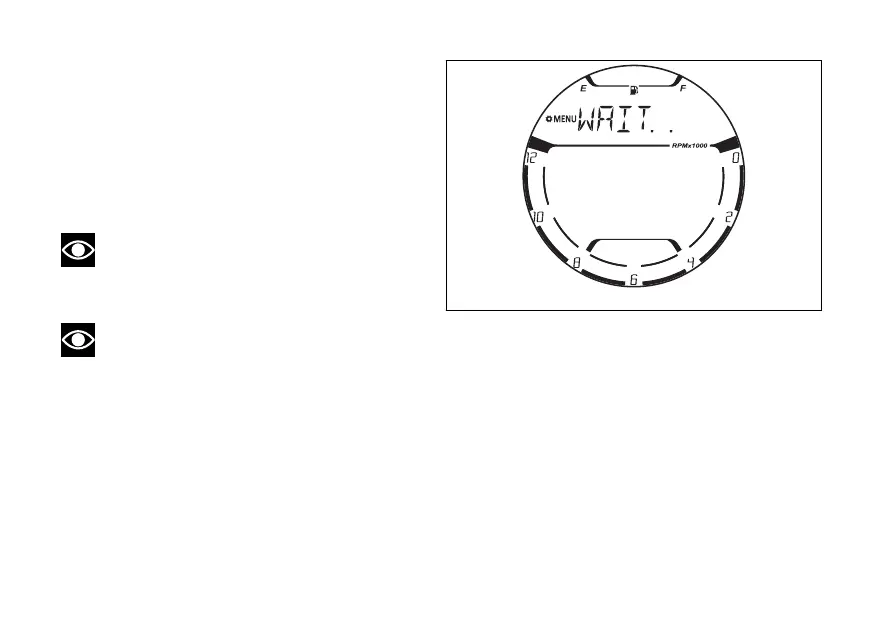
Then “WAIT..” will be displayed for 3 seconds.
In order for the pairing to be successful, during this
phase, confirm the Bluetooth pairing request on
your device.
At the end of the pairing operation, the instrument
panel goes back to the main page of the Bluetooth
function, updating the number and list of paired
devices.
Note
The new device pairing phase (PAIRING) has a
limited time. If no pairing is or confirmed
within this time the operation will not be successful.
Note
During the paring of a new device (PAIRING),
any time the “EXIT” indication preceded by the black
arrow facing downwards is shown, it is possible to
exit this function and to go back to the main page of
the Menu by pressing (2) for 2
seconds.
Fig 143
147















 To Next Page