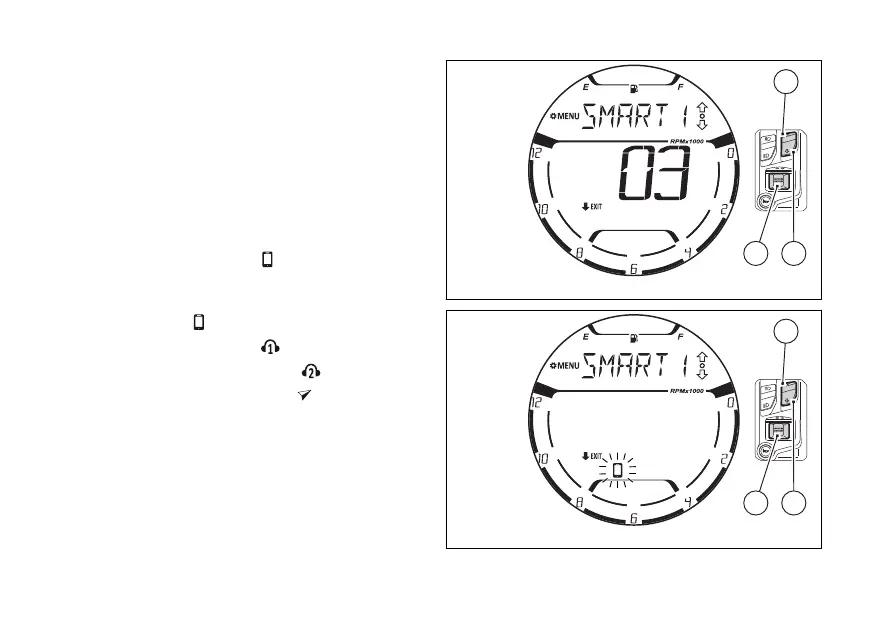
Once the search is completed, the instrument panel
displays the name of the first Bluetooth device
found and the total number of found devices (“3” in
the example shown) (Fig 141).
Use (1) and (2) to scroll the list of found
devices. Press (4) to pair the device selected
in the list and to select the type of device.
The name of the device selected from the previous
list will remain displayed and the
symbol will flashing “
” (Fig 142). Use
(1) and (2) to scroll the symbols relevant to
the type of device in the following order:
●
●
rider helmet/intercom
●
passenger helmet/intercom
●
satellite navigation system
To confirm the type for the selected device press
(4).
Fig 141
Fig 142
146















 To Next Page