Deleting paired devices
To delete a previously paired Bluetooth device
access the SETTING MENU, use (1) or (2) to
select the "BLUETOOTH" option and press
(4).
On entering the function (Fig 136), use (1) and
(2) to select from the list the device that you wish to
delete and press (4) to proceed with the
deletion.
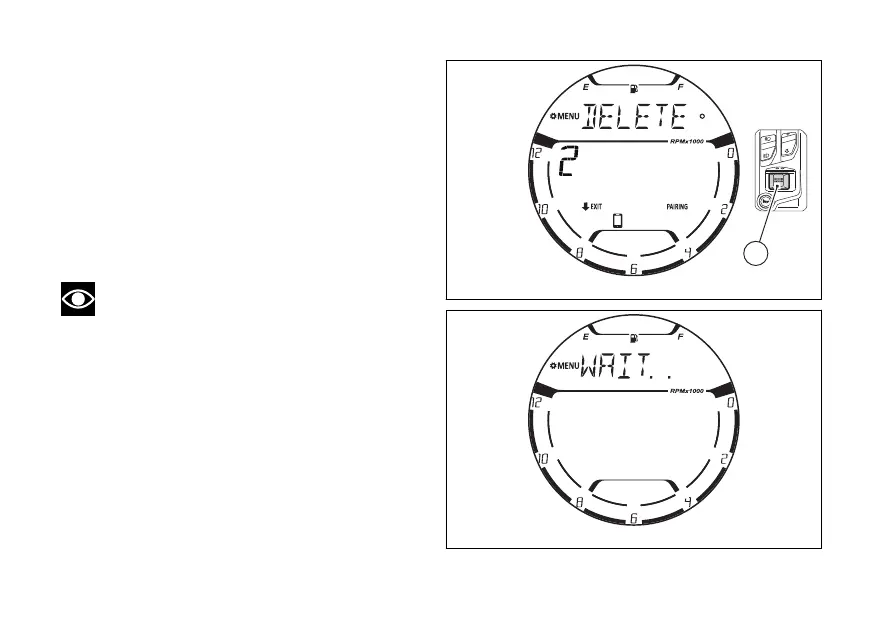
Then “DELETE” will be displayed (Fig 144).
Note
The function can be interrupted by pressing
(2) for 2 seconds.
To confirm deletion press (4). The display
shows “WAIT...” (Fig 145) and then goes back to the
Bluetooth function with the number and list of
updated devices.
Fig 144
Fig 145
148















 To Next Page