235
c HELP Mode Function and Operation Procedures
chap.7
H-13
(1) Adjustment / specification settingHELP mode
1. Functions
(1)
Master ejection counter,Master making counter,Factory
adjustment
¡
Following items are indicated.
1. Master ejection counter
2. Master making counter
3. Factory adjustment
2. Operation procedure
Accessing HELP modes
a
See page 213
(1)
Checking the Master ejection counter,Master making
counter,Factory adjustment
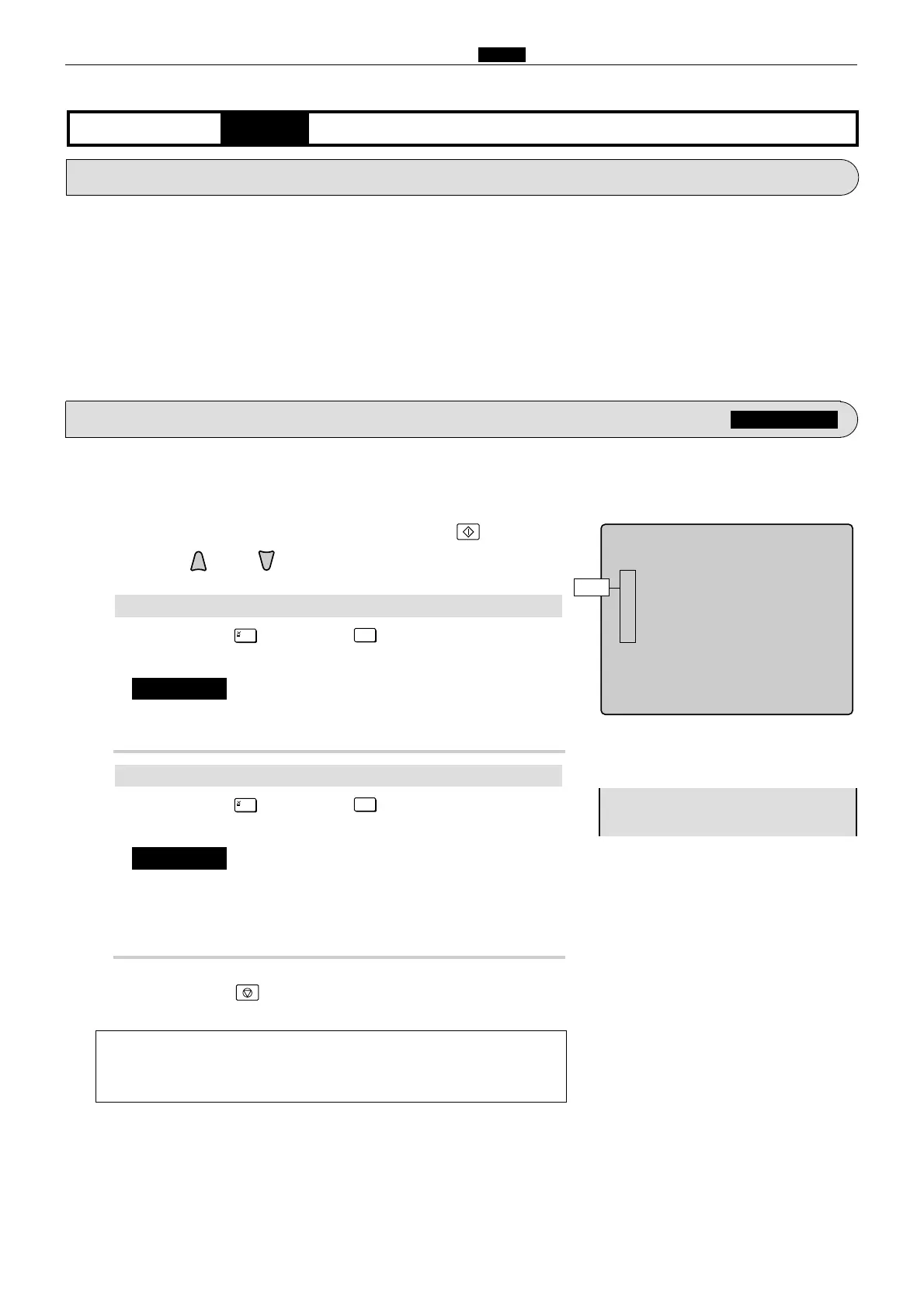
qAccess HELP mode H-13, and press the PRINT key.
wPress the and/or key to select the item.
Check of
Master ejection counter
a
To exit the HELP mode
: Turn the power switch OFF.
a
To access another HELP mode
:
Enter the desired mode number
using the numeric keys.
ePress the STOP key.
The HELP mode selection display will reappear.
2
Press the [
=
] and
CLEAR
keys.
The resetting will be memorized.
¡
Do not turn off the power before the "SAVE" display has
disappeared.
¡
Make sure to set a new master after clearing the master
making counter.
IMPORTANT :










 To Next Page