JOB Entry
28
RTM1_X2_Y
(Settings in the Y direction of Pattern 2
on the X side)
Set the processing start and the stop positions of the
rotary tool for
Pattern 2 with the
RTM (Rotary Tool
Module)
in similar ways to steps 16-1 to 16-12.
Touch
NEXT
.
1. If you use two
RTM (Rotary Tool Module)s
,
touch the icon.
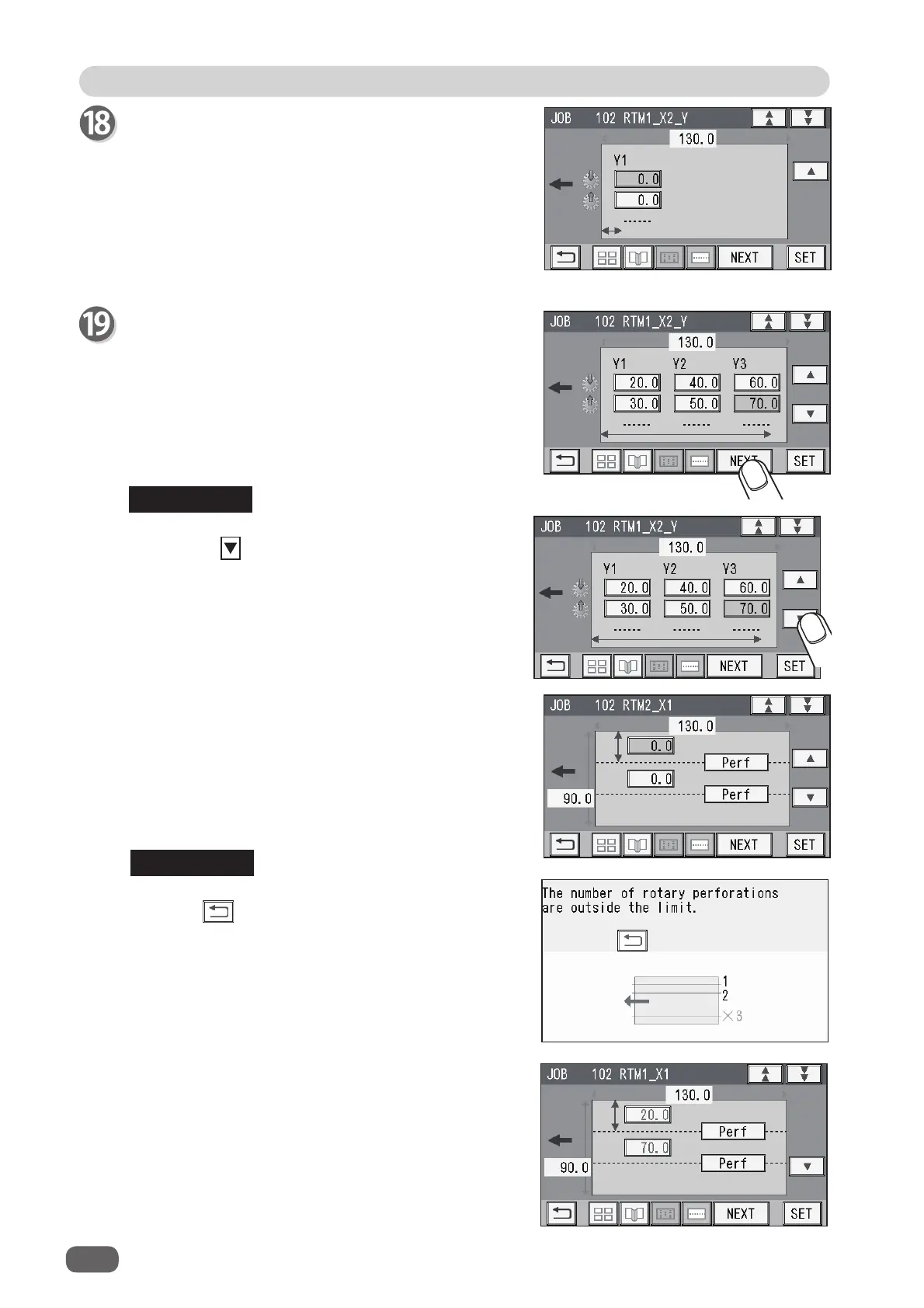
The upper screen on the right appears.
Touching may display the lower screen on the
right.
The value on the screen is displayed in red.
In this case, the values for
R
and
L
were entered in
step 14 even though 2 was entered for the number
of the fi nished products on the X side in step 9.
To clear the error, touch the value for
R
or
L
and
then enter
0
. Or enter
1
for the number of fi nished
products on the X side in step 9 and then touch
NEXT.
REFERENCE
2. Enter values for processing positions of
RTM2
(the second
RTM (Rotary Tool Module)
in
similar ways to steps 14 to 19.
REFERENCE



 To Next Page