82
PC Controller Setting
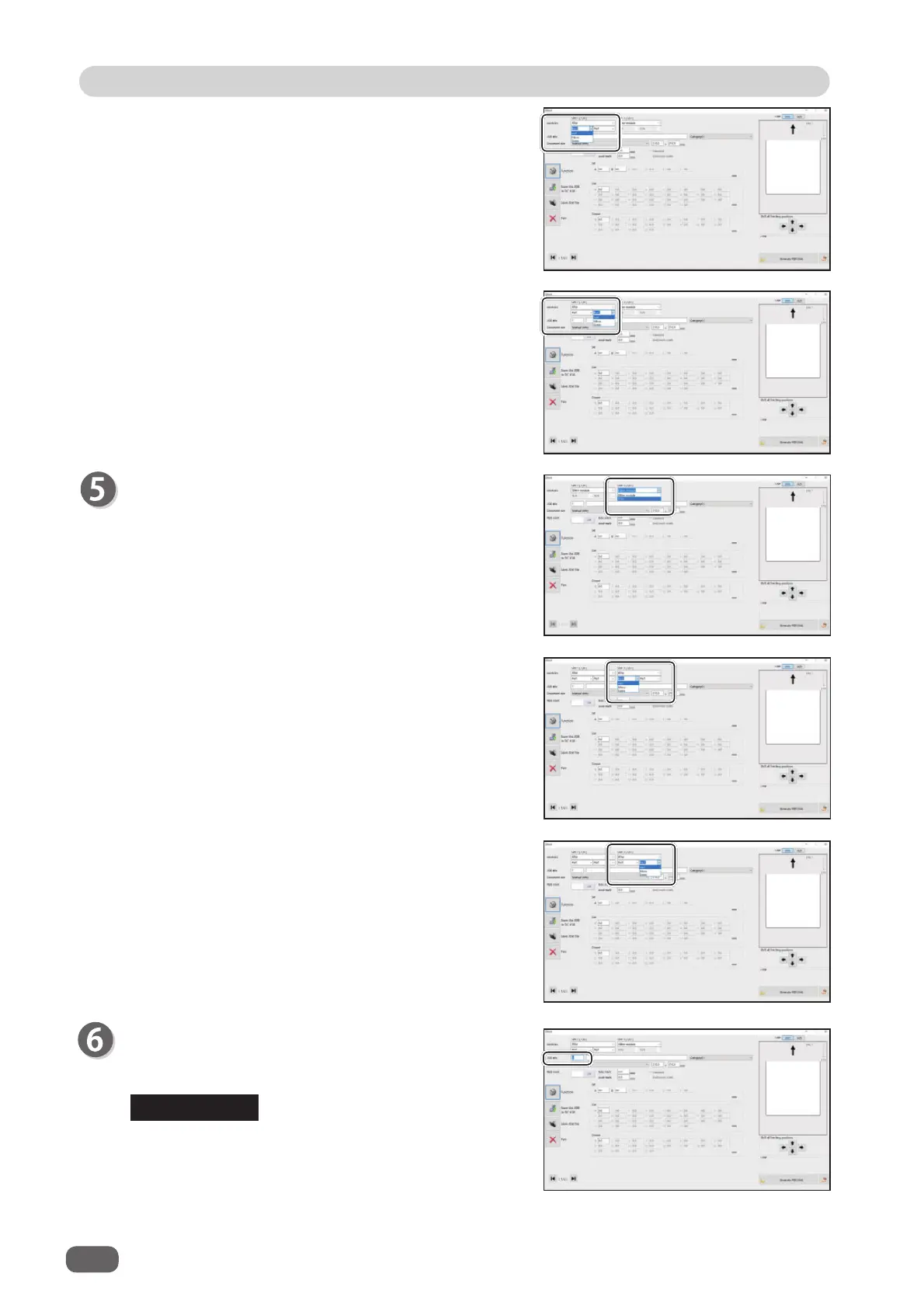
2. If you have selected
RTM (Rotary Tool Module)
,
select a
rotary tool
on the left side from the
Tool
type
box.
Perf.: Perforation tool
Micro: Micro perforation tool
Score: Score tool
Select a
rotary tool
on the right side from the
Tool
type
box as well.
Perf.: Perforation tool
Micro: Micro perforation tool
Score: Score tool
Modules
1. Select a module to install in the slot 3 from the
Slot
3 [L/R]
box.
Standard module
Slitter module
RTM (Rotary Tool Module)
2. If you have selected
RTM (Rotary Tool Module)
,
select a
rotary tool
on the left side from the
Tool
type
box.
Perf.: Perforation tool
Micro: Micro perforation tool
Score: Score tool
Select a
rotary tool
on the right side from the
Tool
type
box as well.
Perf.: Perforation tool
Micro: Micro perforation tool
Score: Score too
l
JOB No.
Enter a JOB number in the
JOB No.
box with the
NUMERIC keys.
REFERENCE
You can set a JOB number of 1 to 250.



 To Next Page