2
83
PC Controller Setting
4
Programming a JOB on a Computer
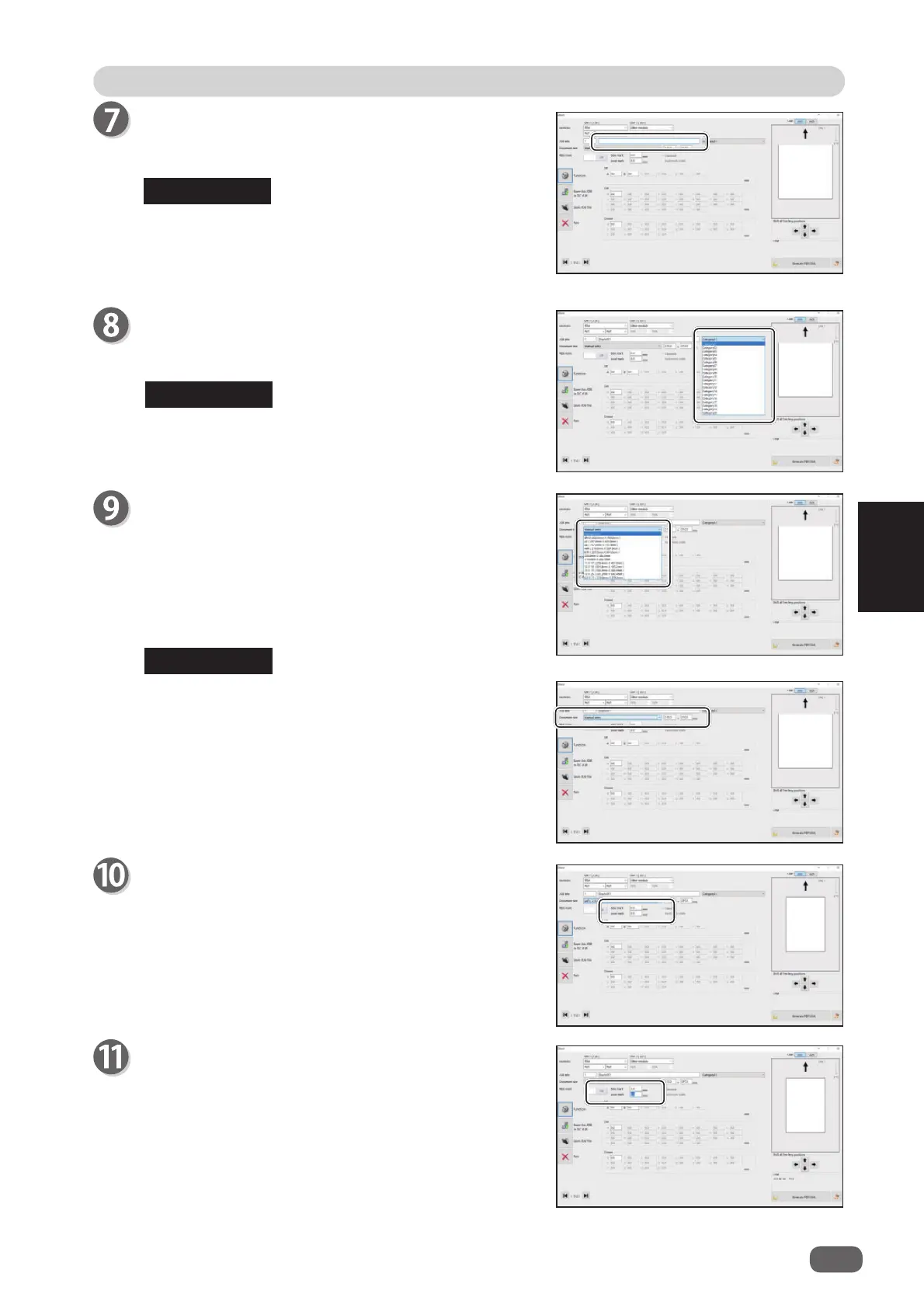
JOB name
Enter a JOB name in the
JOB name
box.
You can enter up to 50 characters and/or letters.
Usable characters and letters;
Alphabetical letters (A to Z, a to z)
Numerals
Symbols
Category
Select a category in which to save the JOB from the
Category
box.
You can set up to 20 categories.
Document size (Standard size)
Select the document size from the
Document size
box.
To process custom-size documents, select
Manual
entry
and enter the length and the width of the
document in the two boxes on the right.
Side mark
Enter the distance from the right edge of the
document to the side mark in the
Side mark
box.
Enter
0
if you do not use the REG mark reading
function.
Lead mark
Enter the distance from the lead edge of the
document to the lead mark in the
Lead mark
box.
Enter
0
if you do not use the REG mark reading
function.
REFERENCE
REFERENCE
REFERENCE



 To Next Page