2
87
PC Controller Setting
4
Programming a JOB on a Computer
If you have selected the
RTM (Rotary Tool Module)
in
Slot 3
, enter a value for each position in similar
ways to steps 18 to 23.
Check the details of the JOB.
To change the settings, click the text box of the item
to change and re-enter a value for it.
Click .
2. Enter the distance from the lead edge of the
document to the
Off
position of
Y1
(Pattern 2 in the
Y direction).
3. In similar ways to 23-1 and 23-2, enter values for
Y2
to
Y6
.
Entering
0
fi nishes the settings for Pattern 2 in the
Y direction.
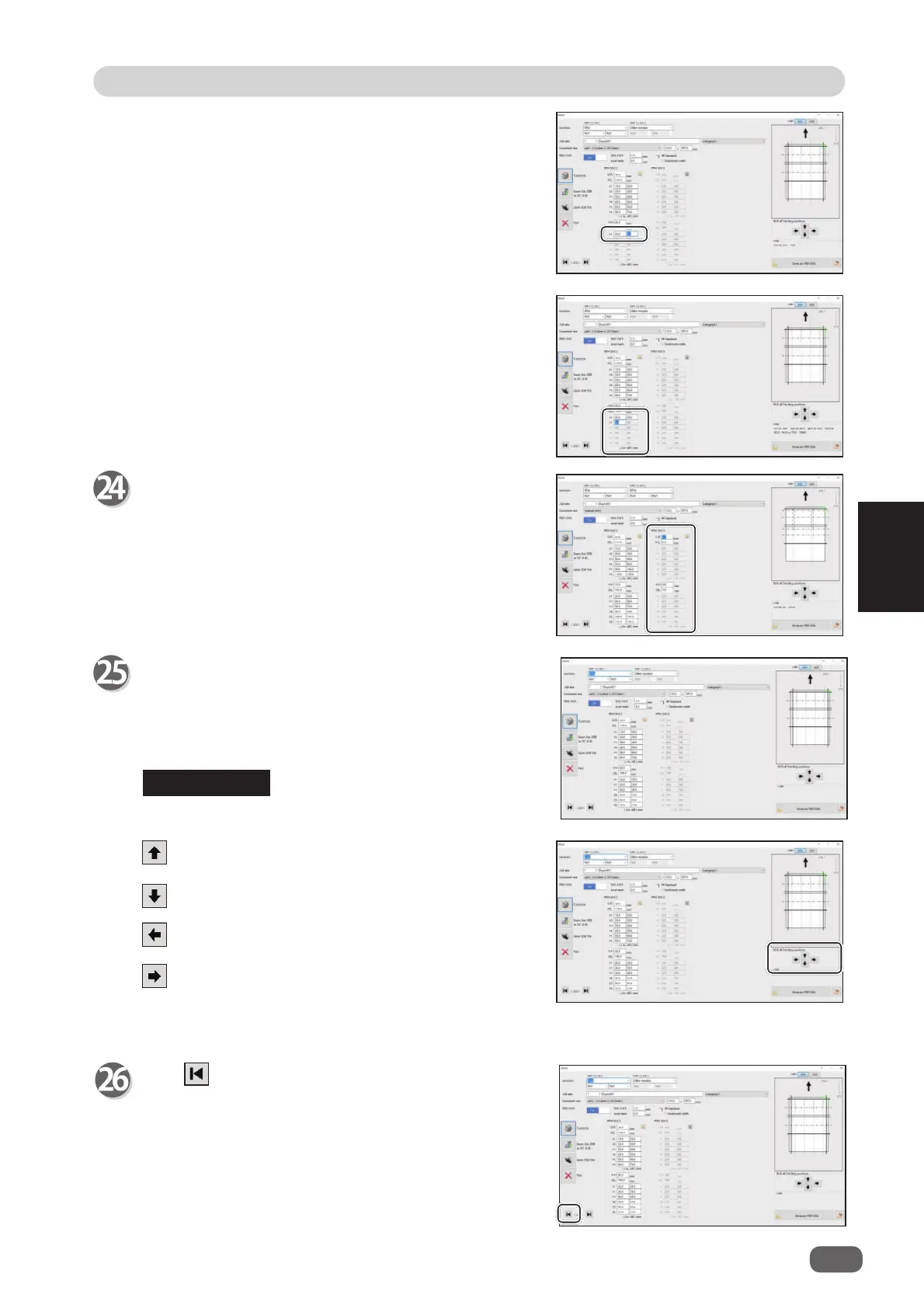
Shift all fi nishing positions
You can fi ne-adjust setting positions of the JOB.
: Each click on this moves the positions upward by
0.1 mm.
: Each click on this moves the positions downward
by 0.1 mm.
: Each click on this moves the positions to the left
by 0.1 mm.
: Each click on this move the positions to the right
by 0.1 mm.
REFERENCE



 To Next Page