44 | 9.8 Printing is Streaked
DuraLabel.com | 800.788.5572
TROUBLESHOOTING
9.8 Printing is Streaked
Possible Cause: Ribbon was installed with too much
slack or was not centered, creating
a crease in the ribbon.
Solution: Remove ribbon from rewind spindle and
remove spindle. Load empty tube onto rewind spindle
and place it back onto printer.
Possible Cause: Printer requires service.
Solution: Contact Graphic Products.
9.9 LED Blinks Amber and Red
Possible Cause: Unrecognized supply error occurred.
Solution: Turn printer off, wait 5 seconds, then turn printer back on. Print several labels.
If error persists, contact Tech Support at 800.788.5572.
Possible Cause: Specialty supply may be loaded improperly or may be missing the clear
media cartridge.
Solution: Contact Graphic Products.
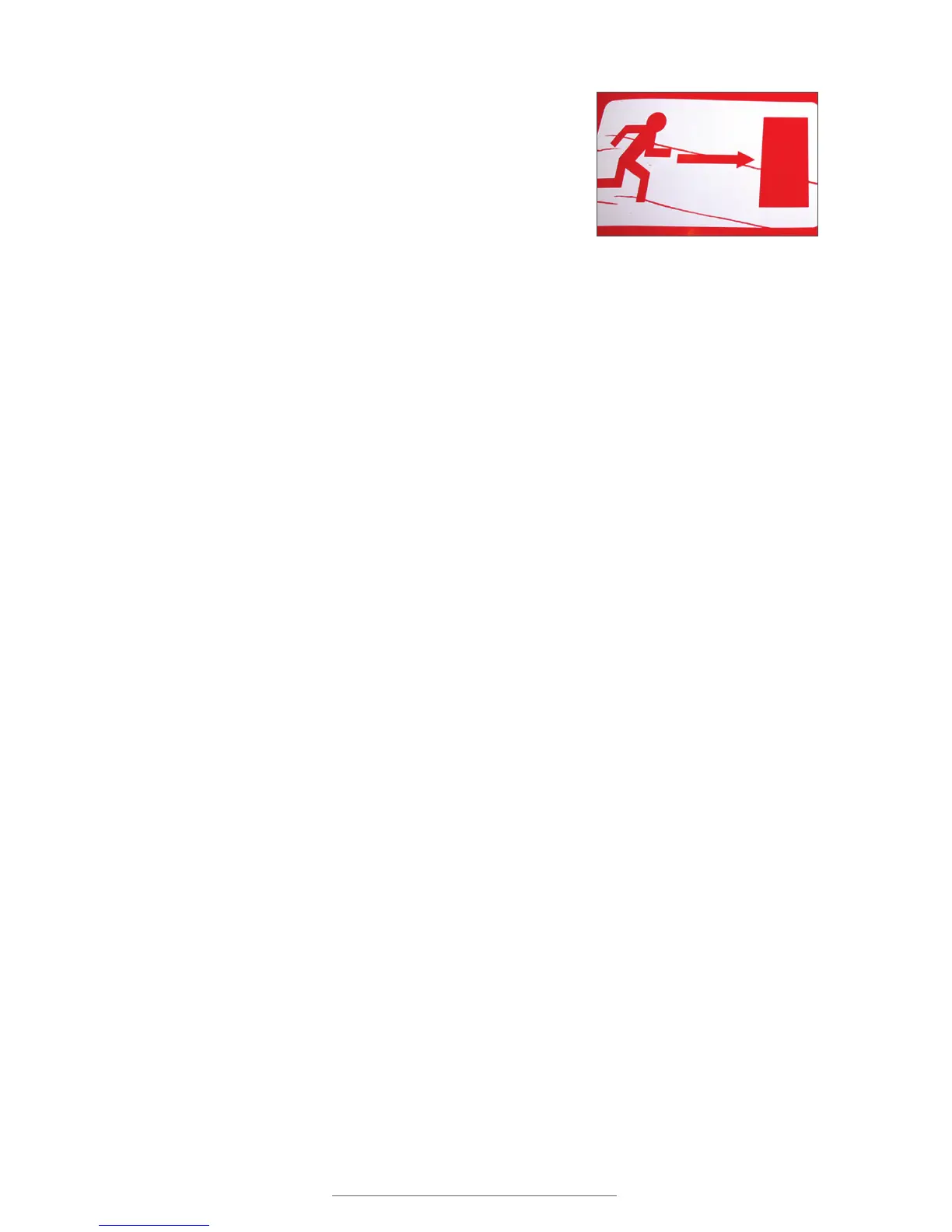
Improperly installed ribbon can cause
labels to streak.



 To Next Page