DuraLabel.com | 800.788.5572
9.10 Printer Cuts Labels Off-Center or into Next Label | 45
TROUBLESHOOTING
9.10 Printer Cuts Labels Off-Center or into Next Label
Possible Cause: The print driver is set to print continuous feed supply, while the printer
is loaded with “labels with gaps” supply.
Solution:
A. Open the Devices and Printers folder.
B. Right-click on Graphic Products DuraLabel PRO/PRO 300.
C. Select Printing Preferences.
D. Select the Stock tab.
E. Under Media Settings, change Type to Labels with Gaps.
F. Click Apply, then OK.
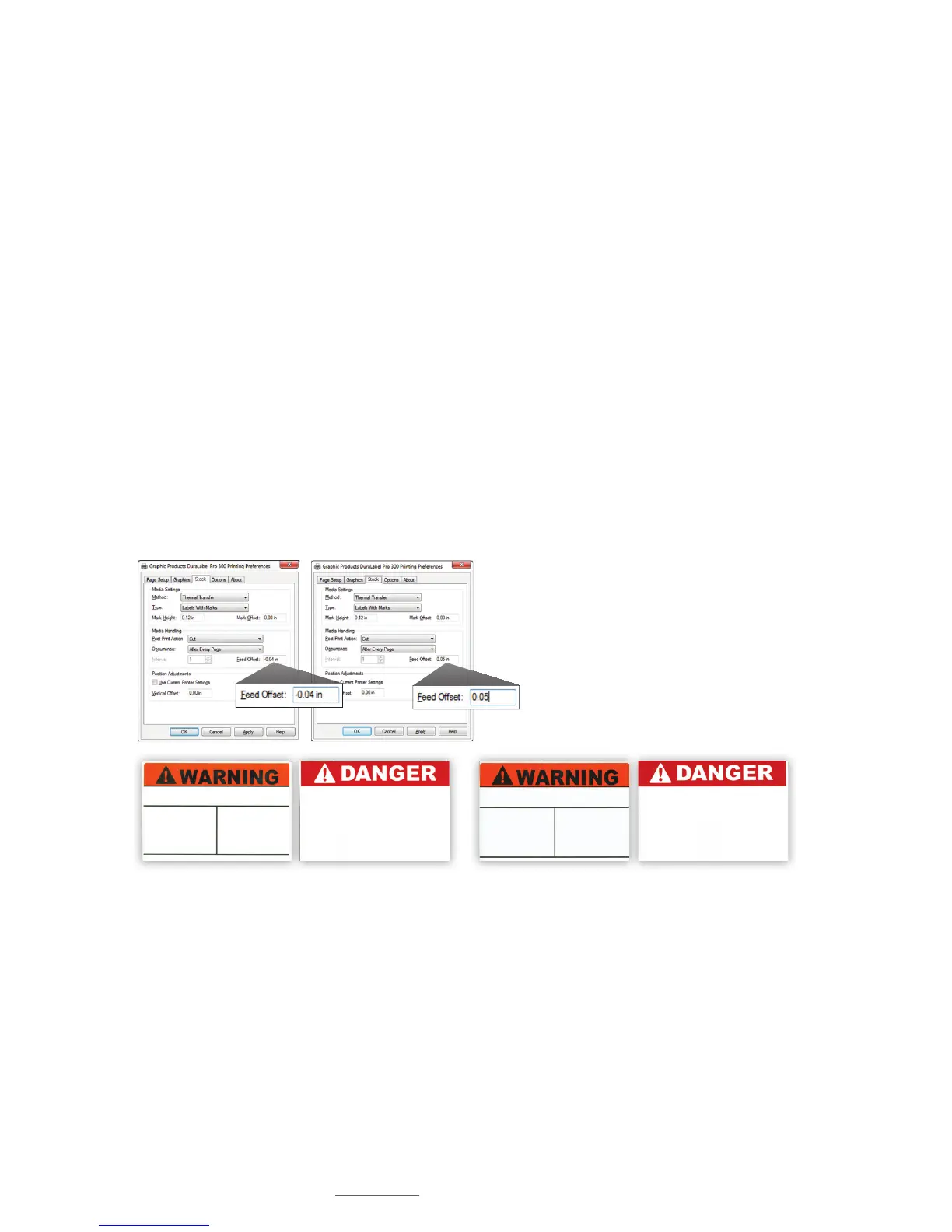
Possible Cause: Feed Offset is not on correct setting.
Solution: Adjust Feed Offset to correct setting.
Adjust Feed Offset to a setting where printer cuts die-cut or
B Mark labels correctly. The 0 default setting works best for
most label supply.
Die-cut and B Mark labels cut correctly (l) … and cut off-center (r)



 To Next Page