Settings via the software
Operating Manual 512/532 Version 00.0 - 12/201340
5.8 Changing the seam appearance
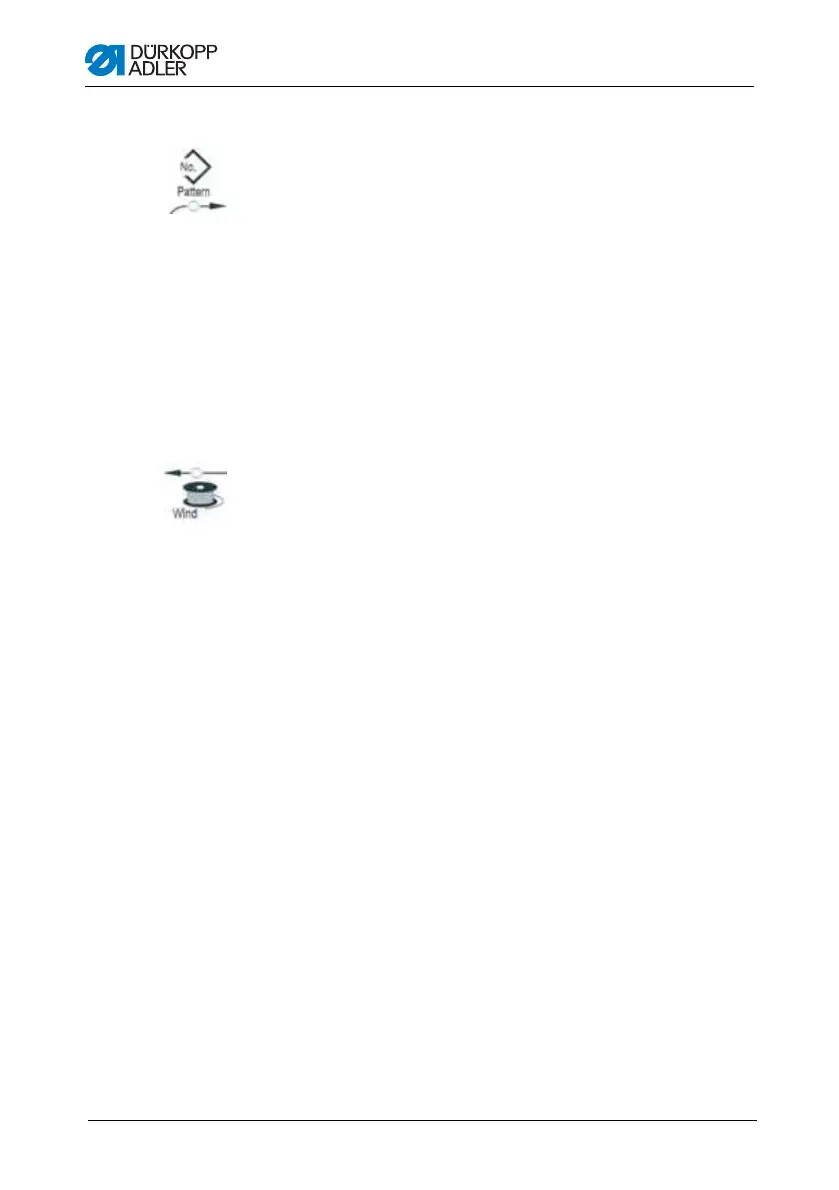
1. Press the Select button until the Pattern Number symbol LED
illuminates.
2. Press the +/– Function buttons until the desired seam
appearance number is shown in the Function display.
3. Press the Ready button.
5.9 Bobbin winding
Prerequisite:
• Needle removed.
• Needle thread not threaded.
1. Press the Ready button.
The button LED illuminates.
2. Press the Ready button.
The button LED goes out.
3. Press the Select button until the Bobbin symbol LED
illuminates.
4. Press the Ready button.
The button LED illuminates, the clamp lowers.
5. Press the pedal forwards.
The bobbin winding process starts.
6. Press the pedal fully forwards to stop the bobbin winding process.
7. Press the Ready button.
The button LED goes out, the clamp raises.




 To Next Page