Settings via the software
Operating Manual 512/532 Version 00.0 - 12/2013 43
Sewing appearance memory button combinations
5.14.1 Assigning the memory buttons
Prerequisite:
• Machine is in programming mode, Ready button LED is off.
1. Press the Memory button and button P2 at the same time.
2. Press the +/– Program buttons to select a memory location.
3. Press the Ready button to confirm the memory location.
4. Select a seam appearance ( 5.4 Selecting the seam
appearance, p. 37).
5. Scale the axes ( 5.5 Scaling the axes, p. 37).
6. Set the speed ( 5.6 Setting the speed, p. 39).
7. Relocating the sewing appearance position:
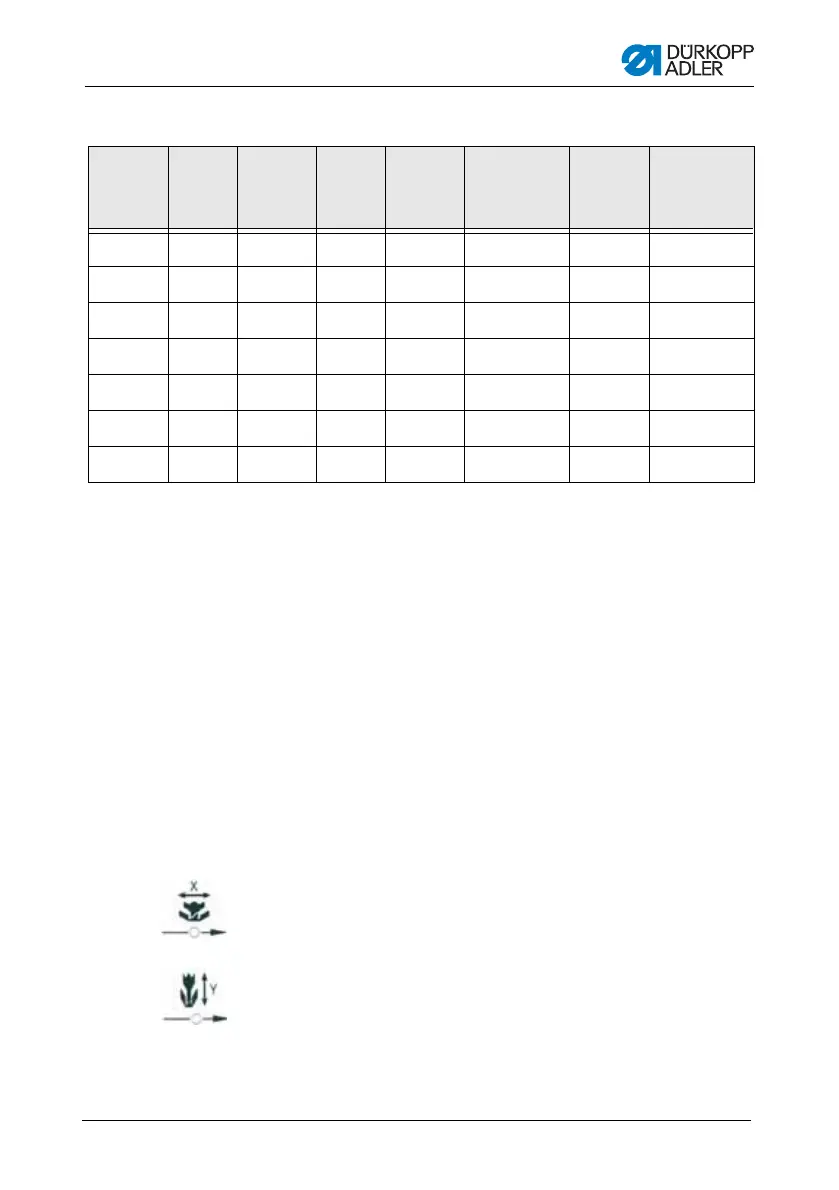
• Press the Select button until the
X axis symbol LED flashes.
• Press the +/– Function buttons and set the values: –5/+5.
• Press the Select button until the
Y axis symbol LED flashes.
• Press the +/– Function buttons and set the values: –4 /+4.
8. Press the Ready button to confirm the settings.
Memory
number
Button
combi-
nation
Memory
number
Button
combi-
nation
Memory
number
Button
combination
Memory
number
Button
combination
P1 P1 P8 P1 + P4 P15 P4 + P5 P22 P2 + P3 + P4
P2 P2 P9 P1 + P5 P16 P1 + P2 + P3 P23 P2 + P3 + P5
P3 P3 P10 P2 + P3 P17 P1 + P2 + P4 P24 P2 + P4 + P5
P4 P4 P11 P2 + P4 P18 P1 + P2 + P5 P25 P3 + P4 + P5
P5 P5 P12 P2 + P5 P19 P1 + P3 + P4
P6 P1 + P2 P13 P3 + P4 P20 P1 + P3 + P5
P7 P1 + P3 P14 P3 + P5 P21 P1 + P4 + P5










 To Next Page