| 1
Introduction
1 User Manual
Introduction
A Safety section has been provided at the front of this manual for your use. You are strongly advised
to read the Safety section carefully before attempting to use the EC-JET printer.
Printer System Overview
The EC-JET printers provide a means of application of printed information onto a wide range of
products. This information would typically be the date, production codes, consumer information,
product or corporate identification, product traceability, and many others.
The printer is normally fixed to a production line in such a way that printing takes place as the product
passes the printhead. The presence of the product and printing can be synchronized using a product
detecting sensor.
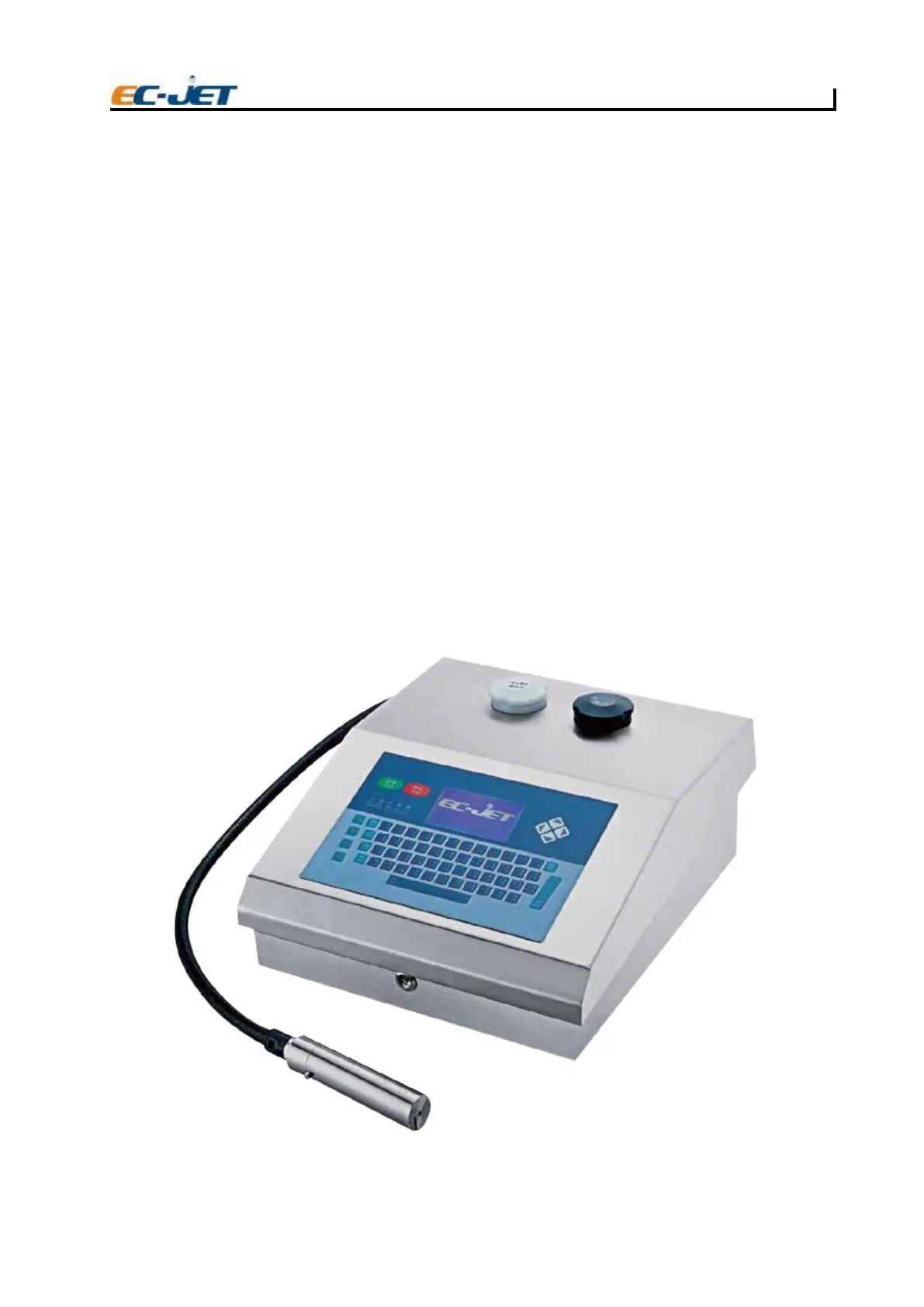
The printer consist
s of a cabinet and a printhead. The cabinet houses the electronics module, the ink
system and a power supply. The cabinet also supports a full QWERTY keyboard and message screen
display. The printhead is attached to the rear of the cabinet via a flexible conduit.
The printhead is supplied with ink by the ink system which the printhead forms into a continuous stream
of ink drops which recycle to the ink system. When printing is required, drops of ink for printing the
message are deflected from the stream out of the printhead onto the product, providing a non-contact
method of printing. The process is controlled by the
electronics module which also stores the messages
to be printed. The message is programmed using the keyboard and display.
1414
EJ01
EJ01



 To Next Page