| 61
61 User Manual
Troubleshooting
- a leak has developed at an assembly joint or crack. The manifold has simply become worn-out
after years of ink flow.
Problem Solving - Printhead Mechanical Faults
FC32 Jet Alignment Problems
There are several ways in which a jet alignment problem can occur:
- the jet has been shut down incorrectly;
- ink has been leaking from the nozzle during a period of non-use;
- the ink is contaminated causing quantities of salt deposits to build up around the nozzle;
- a nozzle blockage has been only partially cleared;
- the nozzle cap has become loose;
- the jewel in which the nozzle orifice is machined has become cracked or deformed causing jet
instability;
- the nozzle assembly has been knocked out of alignment.
Before attempting to rectify a jet alignment problem, it is advisable to investigate which of these possible
causes is most likely to have occurred, and to take the appropriate steps to ensure it does not reoccur.
The first thing to do is to clear the nozzle, which will most often cure the problem. Clearing the nozzle
should remove any deposits of ink or debris which could be causing an obstruction in the nozzle orifice,
resulting in jet misalignment.
If clearing the nozzle does not solve the problem, it will be necessary to call your local Distributor for
a EC-JET approved engineer.
Clearing the Printhead Nozzle
The nozzle has a very small
orifice and it is possible for this orifice to become blocked in a number of
ways, for instance: dried ink, foreign debris introduced into the ink supply, or contamination of ink types.
The most common occurrence is when ink has dried within the nozzle and caused a restriction. In this
situation, the first course of action is to perform a series of nozzle clear routines. In normal operation,
ink is supplied to the nozzle under pressure and is emitted from the orifice as a jet. When a nozzle clear
is performed, vacuum is applied to the nozzle, and air and solvent can be drawn the reverse way into
the nozzle to clear any restrictions.
To perform a series of nozzle clears, call up the Setup menu from the CURRENT MESSAGE screen,
by pressing the F4 (Setup) key:
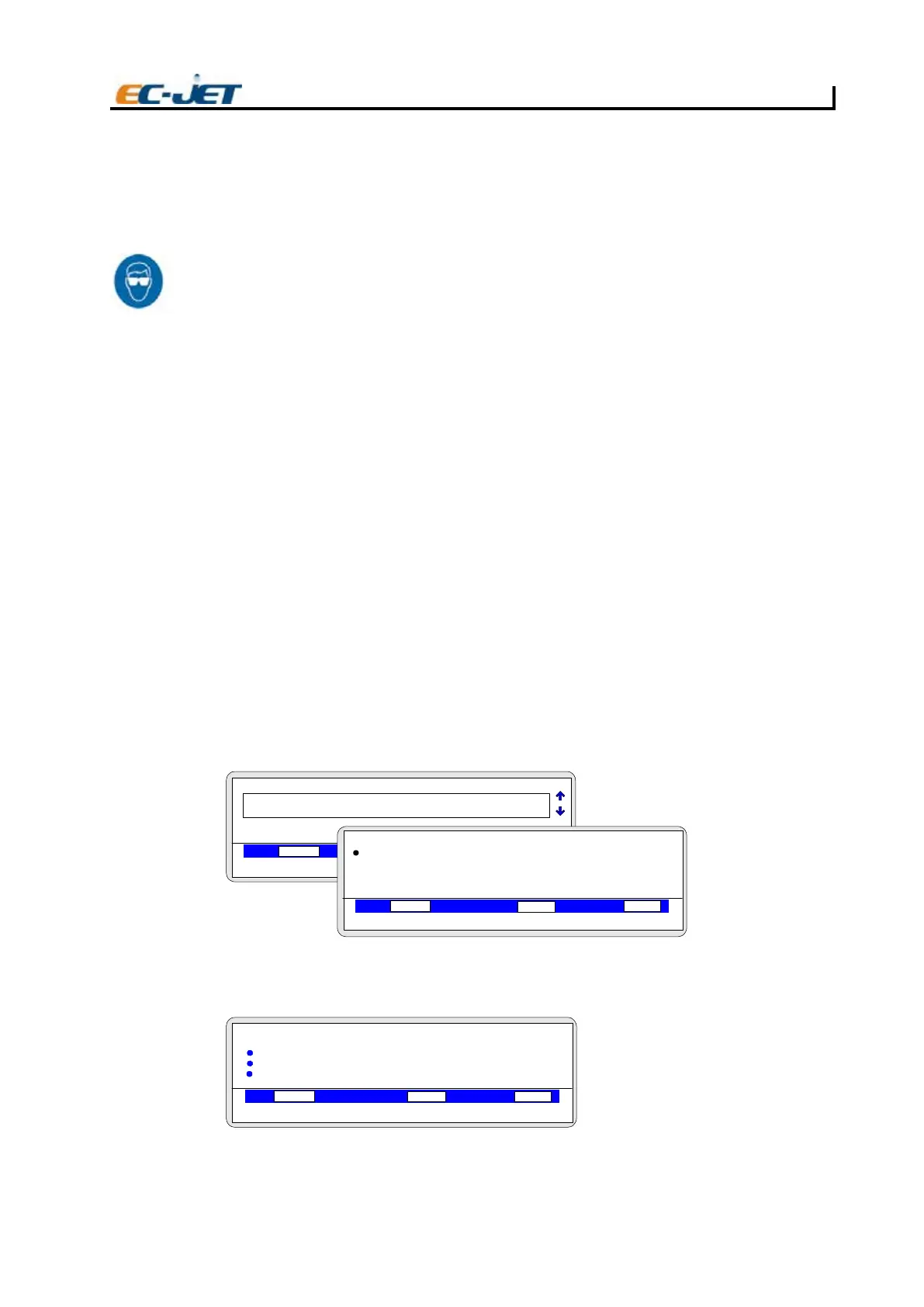
If password protection is switched on (see “Changing the System Setup”), the PASSWORD menu
will
appear at this stage, as shown above.
Type in “XXXX” for the password, press the [enter] key and the SETUP menu will be displayed:
Scroll through the menu options using the up/down cursor keys until the Diagnostics option is selected,
then press the [enter] key to call up the DIAGNOSTICS menu. Alternatively you can simply press the
1
EJ99
CURRENT MESSAGE
F1: 2FegasseM tidE :Check Status
F3: 4FegasseM weN :Change Setup
VOD PRESSURE PHASE
00000
000
1
Jet Off
2006-03-24 14:01:38
TEST PRINT
PASSWORD
VOD PRESSURE PHASE
00000
000
Jet Off 2006-03-24 14:01:38
Enter Password
VOD PRESSURE PHASE
00000
000
Jet Off
2006-03-24 14:01:38
EJ100
SET UP
> Password
> Print Height
> Scale Height
> Print Width



 To Next Page