| 39
39 User Manual
Diagnostics
The following message will appear in the status line of the display while the Clear Nozzle sequence is
being performed:
“Clearing Nozzle : Please Wait”
During this cycle, the printhead must be inverted and the correct type of solvent applied to the nozzle.
The procedure for clearing the nozzle is described later in this manual. (See “Troubleshooting - Clearing
the Printhead Nozzle”)
Flush Shut Down
The Flush Shutdown routine introduces solvent into the printhead and nozzle, during jet shutdown, to
remove any ink in preparation for a period of non-use. The option has three settings:
Off This is the disabled setting. When set to Off, the printer will not carry out the flush part of
the flush shutdown routine when the jet is stopped.
On This is the enabled setting. When set to On, the printer will carry out the flush part of the
flush shutdown routine when the jet is stopped.
Auto This is the default setting for normal operation. In this mode, the decision as to whether
or not a flush shutdown is performed is dependent on
the time since the previous flush
shutdown, as follows:
- for ethanol inks, if the time since the previous flush shutdown is less than 40 minutes
(80 minutes for a 4 metre conduit), a non-flush shutdown will be performed.
- for all other inks, if the time since the previous flush shutdown is less than 15 minutes
(30 minutes for a 4 metre conduit), a non-flush shutdown will be performed.
NOTE: For a successful overnight shutdown, the printer should be run for greater than the times
specified above.
As with any shutdown routine, it is most important that the printer is allowed to complete the full routine
and is not switched off before the following message is displayed:
“Jet Stopped : You May Now Switch Off”
Monitor Jet
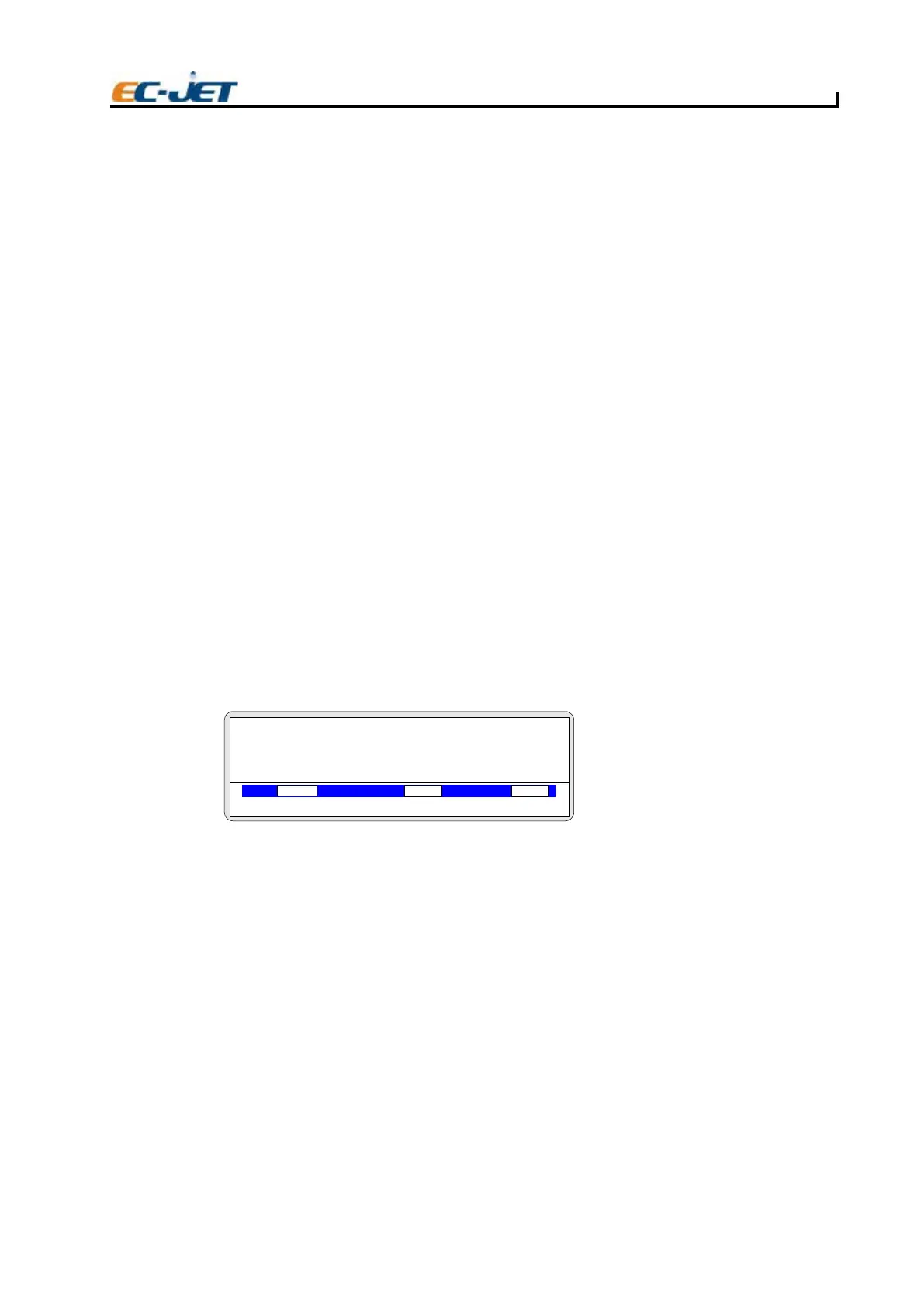
Displays the MONITOR JET screen:
This groups together the ink and solvent control parameters on a single screen.
The parameters are displayed only; they cannot be changed by the user.
This menu can also be called up from
the DIAGNOSTICS menu by simply pressing the [M] key
regardless of the current position of the menu cursor
The parameters of the MONITOR JET screen are described as follows:
Press
The pressure currently set on the pressure DAC (same as Set Pressure)
VOD
21080 is the most perfect VOD value.
NOTE: The warning "No VOD Readings" will be displayed on the status line when a valid VOD
has not been obtained for 15 minutes. The warning will be redisplayed every 15 minutes
while no VOD readings are obtained.
MOD
The current modulation voltage.
MONITOR JET
VOD PRESSURE PHASE
00000
000
Jet Off 2006-03-24 14:01:38
Press :000
VOD :00000
MOD :200
Phase :0
Slov Add :185
Ref VOD :21081
Ref Press :181
Read Press :002
EJ83



 To Next Page