ii |
User Manual
Safety
ii
Safety
Warnings and Cautions
At appropriate points within the text of this manual, additional safety statementswill be displayed. These
are designed to alert your attention to hazards and important information that assists you in carrying
out your activities on this printer safely and efficiently. Each safety statement has a separate meaning
so that you can identify the importance of the information provided. Examples and descriptions of safety
statements have been provided as follows:
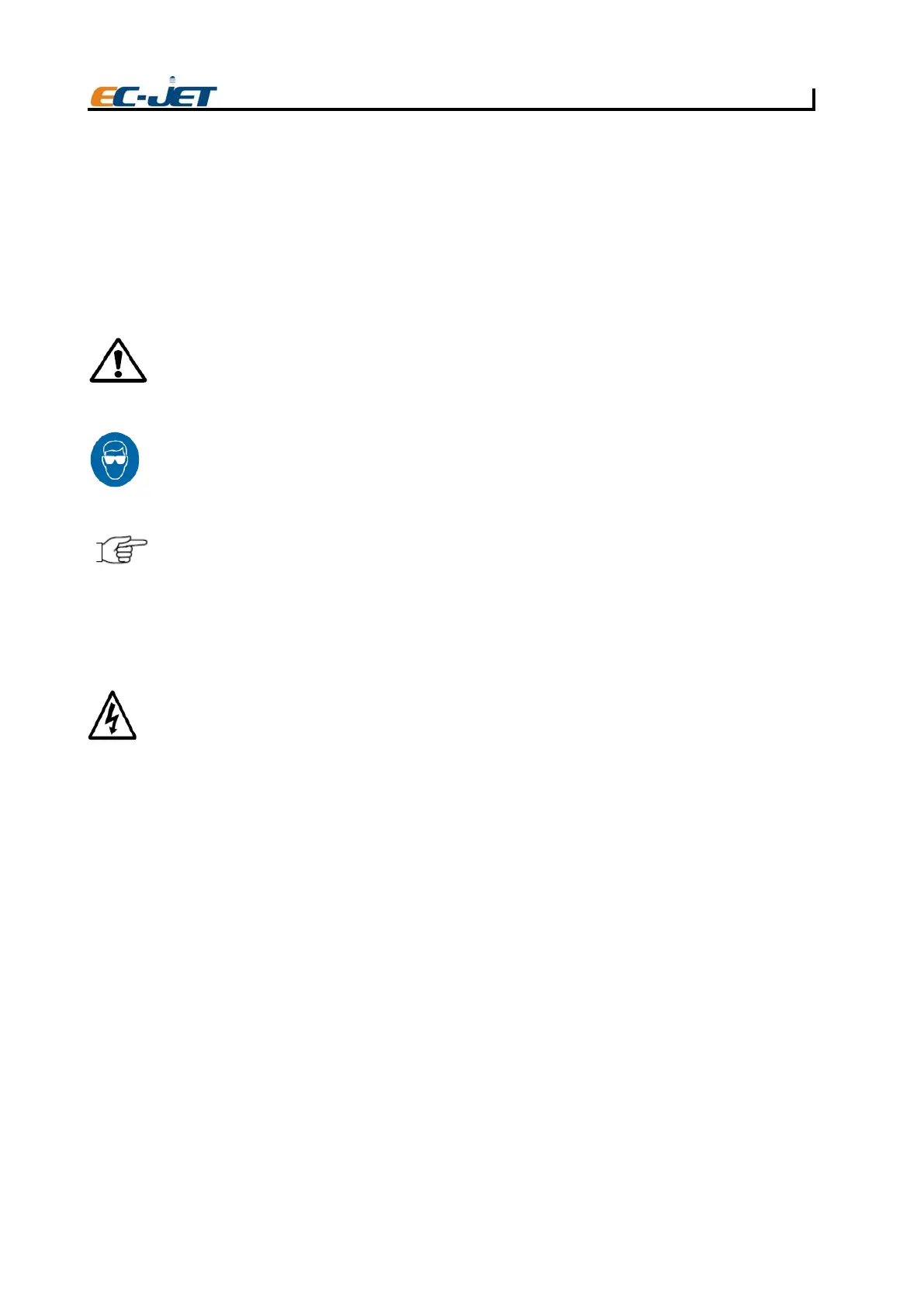
WARNING: A WARNING ALERTS YOU TO HARMFUL OR POTENTIALLY LETHAL ACTIVITIES.
A DESCRIPTION OF THE HAZARD IS GIVEN AND THE CONSEQUENCES OF
IGNORING THEM. A WARNING CAN ALSO BE SHOWN AS A SPECIFIC HAZARD,
FOR EXAMPLE, EYE PROTECTION (SEE BELOW).
THE EYE PROTECTION WARNING ICON IS SHOWN THROUGHOUT THE MANUAL TO INDICATE
THAT APPROVED EYE PROTECTION, WHICH CONFORMS TO EUROPEAN AND INTERNATIONAL
SAFETY STANDARDS, MUST BE WORN WHEN CARRYING OUT INK OR SOLVENT RELATED
ACTIVITIES.
CAUTION: A caution alerts the user to activities that may cause damage to equipment or reduce its
operating efficiency, but is not directly hazardous to personnel.
NOTE: A Note provides important additional information but is not safety related. The hand icon
may not always be shown depending on the importance of the Note. A Note with a hand
icon indicates that you should take particular notice of the information provided.
Lethal Voltages
WARNING: LETHAL VOLTAGE. DANGEROUS VOLTAGES ARE PRESENT IN THIS EQUIPMENT
WHEN ELECTRICAL POWER IS APPLIED. THERE IS A DANGER OF DEATH OR
INJURY FROM ELECTRIC SHOCK.
UNDER NO CIRCUMSTANCES ARE YOU TO ATTEMPT TO OPEN THE PRINTER COVER OR
ATTEMPT TO REMOVE OR ADJUST ANY COMPONENTS FITTED WITHIN THE PRINTER. ONLY
FULLY TRAINED EC-JET APPROVED SERVICE ENGINEERS ARE QUALIFIED TO OPEN THE
PRINTER COVER.
Operation
All users operating the printer must be aware of the following hazards associated with ink jet printers.
The following safety information should be made available to all personnel and is applicable to anybody
in the printer’s operating environment. Only fully trained and competent personnel should operate or
maintain EC-JET printers. If you are in any doubt as to your ability to operate or maintain the printer,
DO NOT DO SO; consult your supervisor for guidance or contact your local EC-JET distributor who will
be happy to advise you.
1. DO NOT smoke or use naked flames in the vicinity of the printer. The printer contains
flammable inks and solvents.
2. ALWAYS ensure that the printer electrical supply is isolated prior to performing cleaning
or maintenance activities. Lethal voltages are present in the printer cabinet and printhead
when mains power is applied which can cause death or serious injury if the correct
electrical procedures are not observed. When a mains operated external alarm is
connected to the external alarm socket, this must be disconnected before any maintenance
activities are carried out. Never attempt to remove the printer cover. The printer cover
must only be removed by qualified EC-JET service engineers.
3. ALWAYS check that all covers are correctly fitted to the printer before you use it. If you
are not sure, ask your supervisor for guidance. Covers act as safety barriers and also
ensure the printer retains its electromagnetic compatibility.



 To Next Page