18 |
User Manual
Using the System
18
The number of Message Height rasters available depends on the type of printhead in use. Select
the raster type you require by moving the cursor next to it and pressing [enter].
The EDIT MESSAGE screen will then be displayed and the message can be created as described
in “Getting Started” and the remainder of this section.
Message Description
Message Structure
A message is made up of one or several fields of the following types:
Time
Timed Messages
Sequential Numbers
Date
Remote Fields
Logo
Messages are created and edited using the EDIT MESSAGE menu. Creating text is simply a ca
se
of entering characters via the keyboard. Sequential numbers, times and dates are created by making
choices from menus displayed after pressing [F3] for Field Type.
The Message Cursor
The message cursor is completely different to the menu cursor described earlier. Its position in a
message is made visible by flashing the character it occupies, between normal and inverse display:
The cursor size will
relate to the last selected field. This means that its size will remain fixed, even
as it moves through fields of different character heights. As soon as a field is selected (by pressing
the [enter] key), the cursor
will readjust to the character size of the selected field.
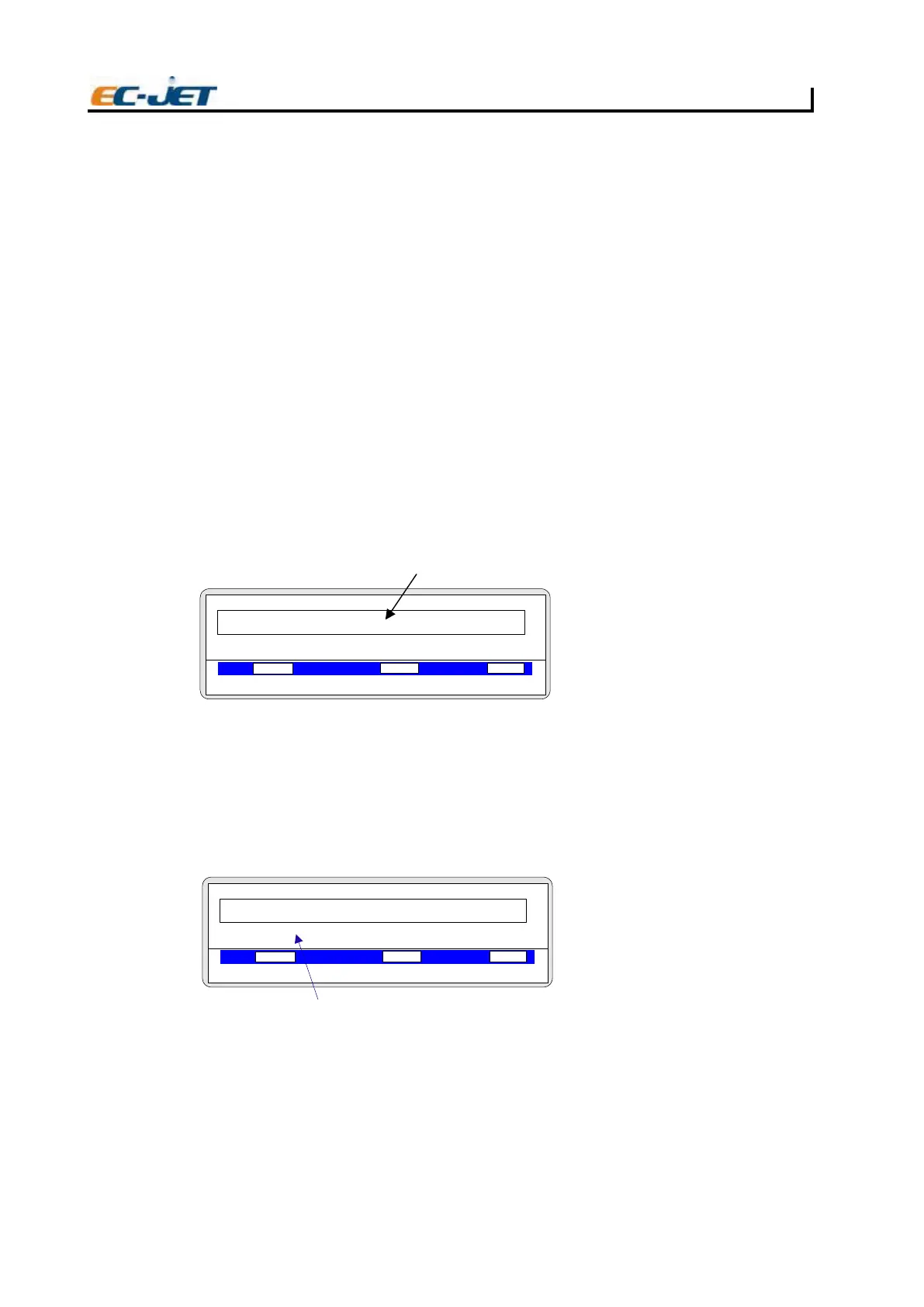
Character Height
Before creating a field, the character height of the field must first be set by choosing the character type
from those available. This is achieved by pressing the [F1] key of the EDIT MESSAGE menu until the
desired character set is displayed:
The character sets available in Chinese as follows: 7 Chines, 12 Chinese, 16 Chinese. The character
sets availables in English, number and symbol as follwos: 5 HighCaps, 7 HighFull, 16 HighFull, 16
HighCaps, LogoEdit.
NOTE: The numerical value in each raster type and character set indicates the height of the printed
characters in pixels (drops).
The following table describes the character sets available for each raster type:
EDIT MESSAGE
F1: 2FspaC HGIH 7 :Bold Off
F3: 4FepyT dleiF :Key-Name
VOD PRESSURE PHASE
00000
000
Jet Off 2006-03-24 14:01:38
EJ30
TEST PRIN
Cursor Position
T
EDIT MESSAGE
F1: 2FspaC HGIH 7 :Bold Off
F3: 4FepyT dleiF :Key-Name
VOD PRESSURE PHASE
00000
000
Jet Off 2006-03-24 14:01:38
EJ31
TEST
Character Set



 To Next Page