| 41
41 User Manual
Diagnostics
Head Type
Shows the printhead type fitted to the printer: Micro, Midi or Macro.
Raster Type
Rasters are created by an algorithm which compensates for interaction between drops in flight. Several
raster types exist, each catering for different operating conditions. This option of the menu displays a
separate screen which shows which raster types your printer is using.
SW Version
Shows the version number of the software installed in your printer.
The values shown are for display purposes only; they cannot be altered.
Phase
Shows the current phase position, updated while the jet is running.
Set Pressure
Displays the current pressure set on the pressure DAC.
Your local distributor may ask you to use this option to:
1. Diagnose and/or check for any pressure loss.
2. Purge the filter without resetting the filter time, e.g. if changing ink only.
3. Clean out printhead by use of the venturi vacuum.
4. Use Quick Start Jet to try and obtain VOD measurements and ascertain if ink is thick or thin.
Filter Purge
Used by EC-JET approved Service Engineers when a new main ink filter is fitted:
On Sets a fixed pressure of 120 bits to purge the new filter and resets the Filter Change
time to 2000 hours.
Off Sets the pressure back to zero.
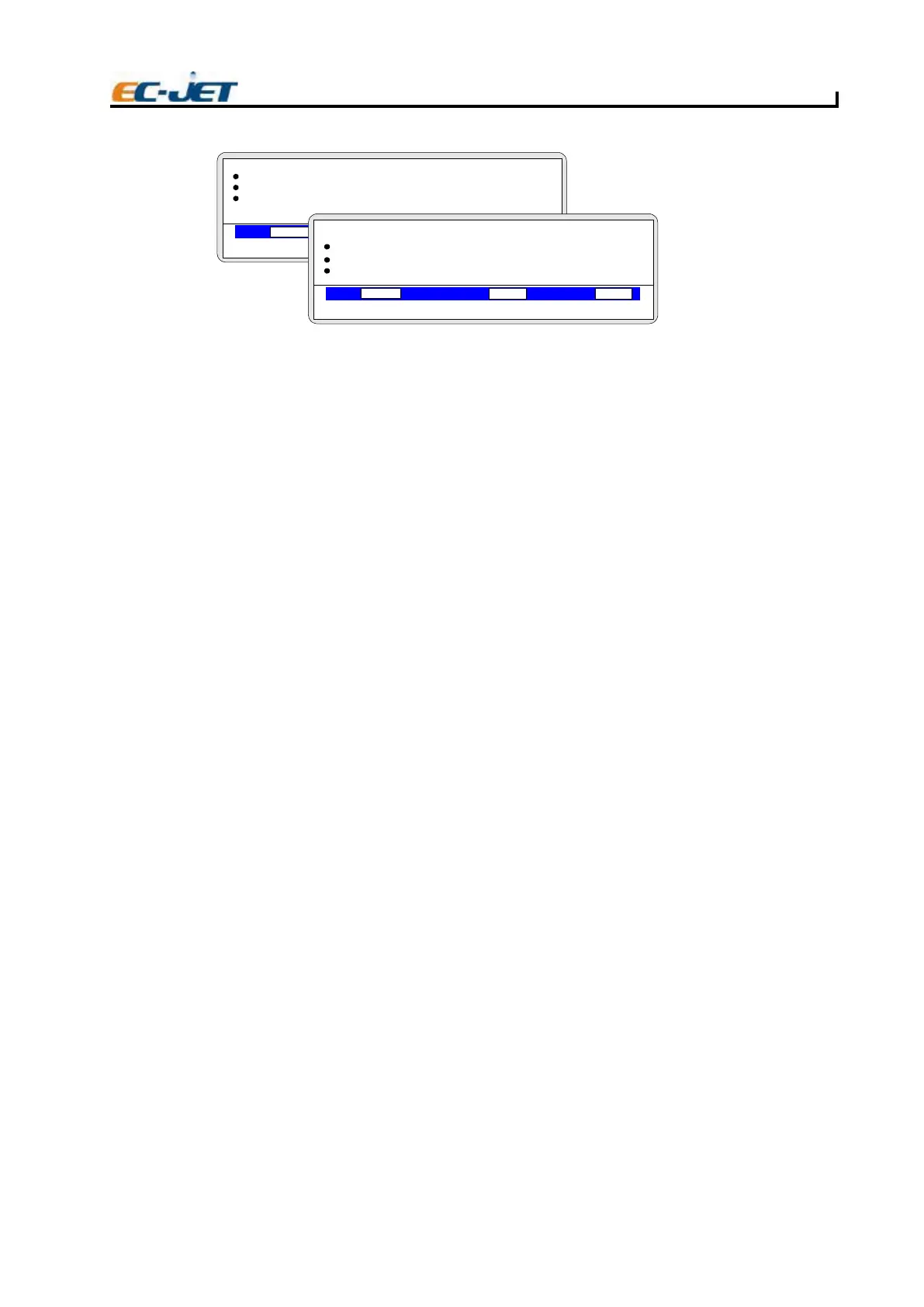
DIAGNOSTICS
VOD PRESSURE PHASE
00000
000
Jet Off
2006-03-24 14:01:38
Flush Shutdown
Monitor Jet
System Times
> System Config
EJ85
SYSTEM CONFIG
VOD PRESSURE PHASE
00000
000
Jet Off 2006-03-24 14:01:38
> Head Type
SW Version
Logic Version
Raster Type



 To Next Page