2 User Manual
Introduction
System Description
The EC-JET printers are designed to provide versatile, uninterrupted operation in factory environments
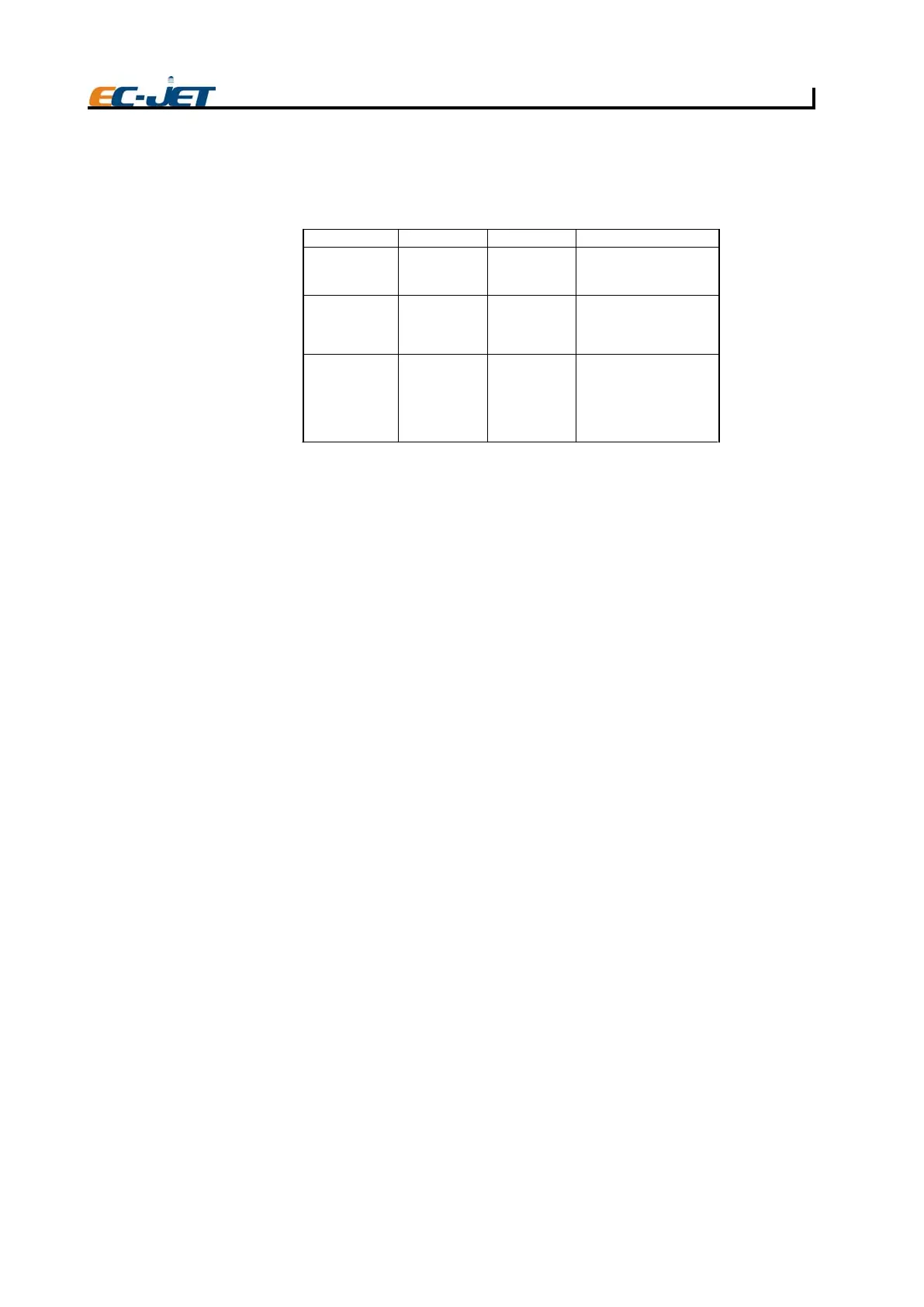
The models available, together with available raster types and compatible printheads are as follows.
Operating Simplicity
Easy start-up and shutdown requires minimal operator intervention. Messages are easily created using
the built-in QWERTY keyboard, and the printer offers print adjustment and message editing facilities.
Real-time System Control
Ink and solvent levels, viscosity, pressure and charge, are continuously monitored by the computer
module and the results can be viewed on the display panel using the DIAGNOSTICS menu.
Diagnostics
A comprehensive diagnostics package is built into the printer to enable problems to be identified and
rectified quickly.
Printhead Design
The printhead is robustly designed for industrial environments. It is hermetically sealed and is
permanently attached to the printer itself by a 2 metre (or optionally 4 metre) length of conduit.
Printing Drops
To form a printed pattern, each drop must be directed to a different place on the product being printed.
To achieve this, the drops pass through a charge electrode (within the printhead), which applies a
different charge to each drop. This causes the flightpath of the drops to differ as they travel between
two deflector plates. When the drops reach the product, they form one line of drops called a raster. As
the product passes under the printhead, rasters are laid down side by side to form the printed message.
Leaving Gaps
Unprinted drops in a raster carry no charge and are therefore not deflected. These drops are captured
by a gutter in the printhead, and returned to the ink tank. Gaps between rasters (perhaps to separate
readable characters) are created by the printer simply not printing a raster as the product continues to
move past the printhead.
Detecting Products
A photocell or product detecting sensor is used to inform the printer when the product has been
detected. After a predefined delay, the first raster of the pattern will be printed, followed by the remaining
rasters of the pattern, as described above.
Conveyor Speed
For production setups using a conveyor, variation in conveyor speed can produce variation in the
appearance of the printed message. If the product is moving very slowly, the rasters could be printed
too close together and the characters formed would be too thin. Conversely, if the product is moving
very fast, the rasters could be printed too far apart, resulting in unprinted gaps between the rasters. This
problem is overcome by either varying the print width (through a user menu option) to match the
production of rasters with the conveyor speed, or by using a shaft encoder to control the rate at which
each raster is printed in relation to the conveyor movement.
EC-JET 300
MIDI 60um
RASTER TYPESPRINTHEAD TYPE
7 GEN STD
12 GEN STD
16 GEN STD
5、7、9、12、16
EC-JET 200
CHARACTERS
MIDI 60um
PRINTER MODEL
7 GEN STD
12 GEN STD
16 GEN STD
24 GEN STD
5、7、9、12、16、24
EJ02
EC-JET 400
MIDI 60um
7 GEN STD
12 GEN STD
16 GEN STD
24 GEN STD
32 GEN STD
34 GEN STD
5、7、9、12、16、24



 To Next Page