| 37
37 User Manual
Diagnostics
Diagnostics
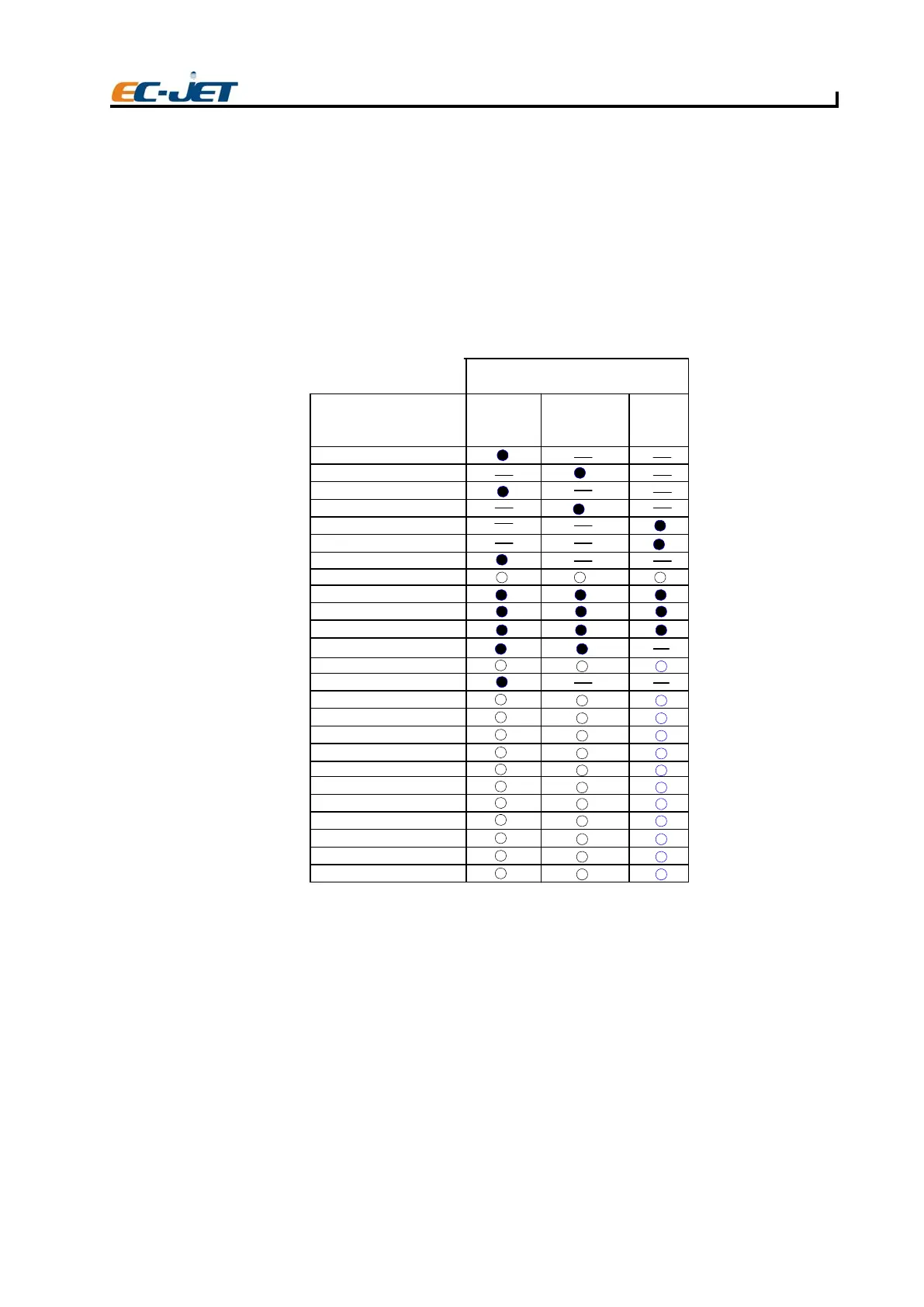
There are a large number of diagnostic functions. However, not all functions are valid at all times - some
are only valid when the jet is stopped (e.g. “Clear Nozzle”); some are valid only when the jet is running
and printing is stopped (e.g. “Start Print”), and some are only valid when both the jet and printing have
been started (e.g. “Test Print”).
To keep the size of the diagnostics menu small, and to prohibit the use of functions which are invalid
for the current state of the printer, only valid functions are displayed and are selectable at any given time.
This is in addition to menu variations due to the password level.
When an entry is selectable and has a parameter, the user may change the value of the parameter (e.
g. “Set Pressure” in service diagnostics). When an entry is not selectable and has a parameter, entry
is used to display information only and the user cannot change the value (e.g. “Set Pressure”in user
diagnostics).
Start Print
Makes the printer ready to print, i.e. as per the [start] button but without returning to the “CURRENT
MESSAGE” screen.
Printing will not be started and the following message will be displayed if there is no message stored
in the printer memory:
“Print Not Started : No Message”
Note that this has a lower level function than the main start button which sets, for example, Phase Fault
“On” when pressed. Start Print will leave Phase Fault in its current state.
Diagnostic Option
Start Jet
Stop Test
Quick Start Jet
Start Print
Stop Print
Test Print
Clear Nozzle
Nozzle Flush
Flush Shutdown
Monitor Jet
System Times
System Config
Set Pressure
Filter Purge
Clear Message Area
Change Msg Online
Auto Phase
VOD Correction
VOD Warm Up
Dac Cal Mode
Dac Cal Valve
Alarm Test
Test Pattern
System Flush
Valve Test
USER LEVEL 2 PASSWORD
Jet Off Jet Running Printing
EJ82



 To Next Page