| 29
29 User Manual
Using the System
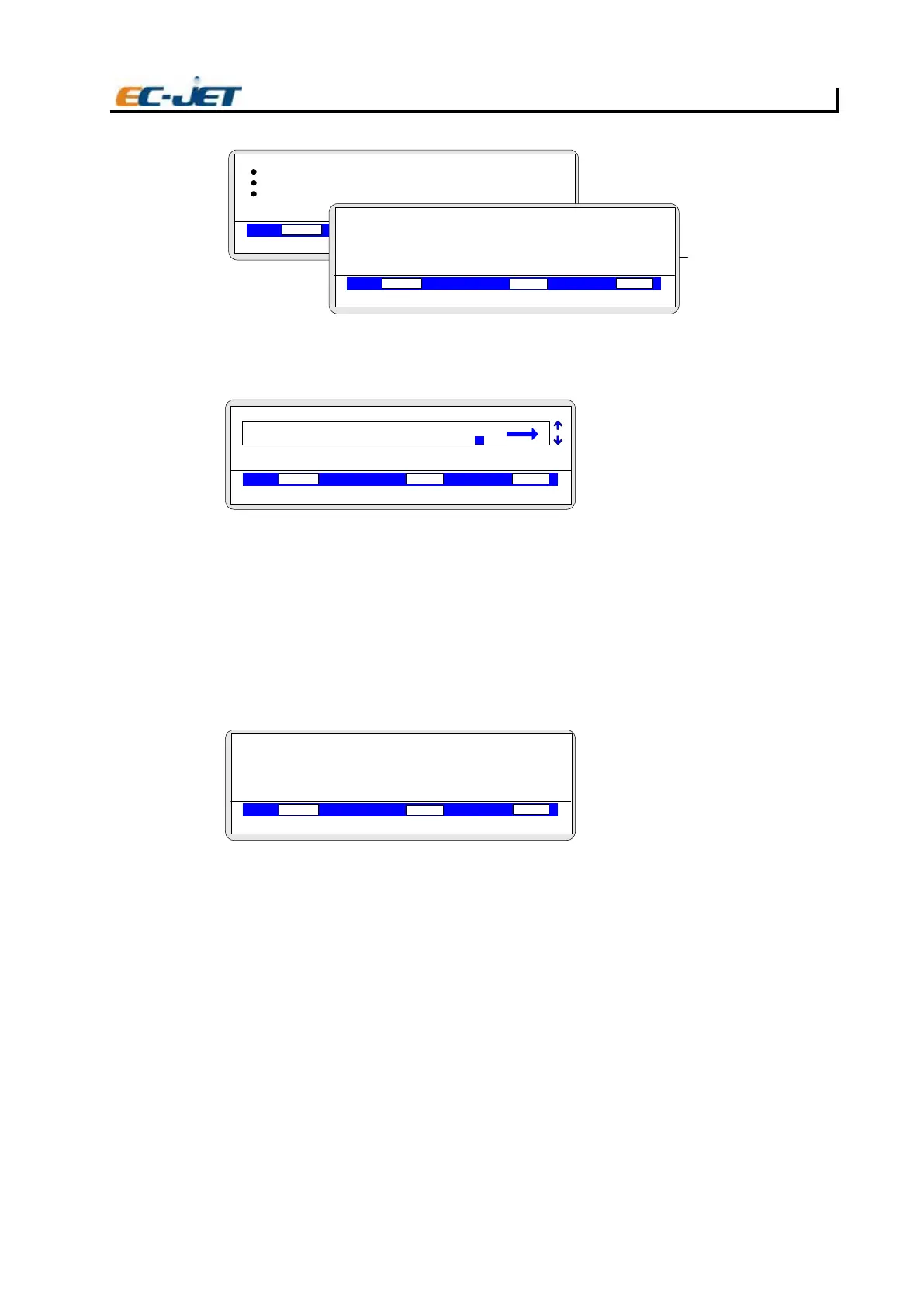
Use the up/down arrow keys to locate the Logo you wish to use and press the [enter] key to activate
the choice. The Logo (in this case an arrow symbol) will be inserted in the message at the current
cursor position:
Printing the Message
To print the message created in this example, press the [esc] key to exit editing and display the
CURRENT MESSAGE screen. Press the [start] button on the keyboard, start the conveyor, and the
message should start printing as defined. After having worked this example, try several variations
to get the feel of creating your own messages.
Checking the Printer Status
The PRINT STATUS screen shows the current state of the printer with respect to jet status, ink and
solvent levels, print count and lists errors logged in the system.
To check the current printer status, press the [F2] key from the CURRENT MESSAGE screen.
F1 Displays ERROR LIST menu (see below)
Count Shows the number of prints made by the
printer.
This value can be reset to 0 (zero) from the SETUP menu (see later “Changing the System
Setup”)
Status Shows the operational status of the printer:
“Jet Off” - The jet has been stopped.
“Starting Jet” - The printer is starting the jet.
“Jet Running” - The jet is running but printing is stopped.
“Printing” - The jet is running and the printer is ready to print.
“Stopping Jet” - The printer is stopping the jet.
Ink Shows status of ink level check:
OK - Ink level is acceptable
LOW - Add one bottle of ink
(see “Routine Maintenance”)
EJ62
SELECT FIELD TYPE
VOD PRESSURE PHASE
00000
Jet Off
2006-03-24 14:01:38
Sequential No.
Date
Remote
> LOGO
LOGO
VOD PRESSURE PHASE
00000
Jet Off 2006-03-24 14:01:38
> LOGO
LOGO 2
LOGO 3
LOGO 4
000
EDIT MESSAGE
F1: 2FspaC HGIH 7 :Bold Off
F3: 4FepyT dleiF :Key-Name
VOD PRESSURE PHASE
00000
000
Jet Off 2006-03-24 14:01:38
EJ63
TEST
1
Sell by dd mmm yy
BATCH 9999
hh:mm Day Shift
PRINT STATUS
VOD PRESSURE PHASE
00000
000
Jet Off 2006-03-24 14:01:38
F1: Error List Count :
Status :
Solvent :
Ink :
EJ64



 To Next Page