Controls and Indicators
8 User Manual
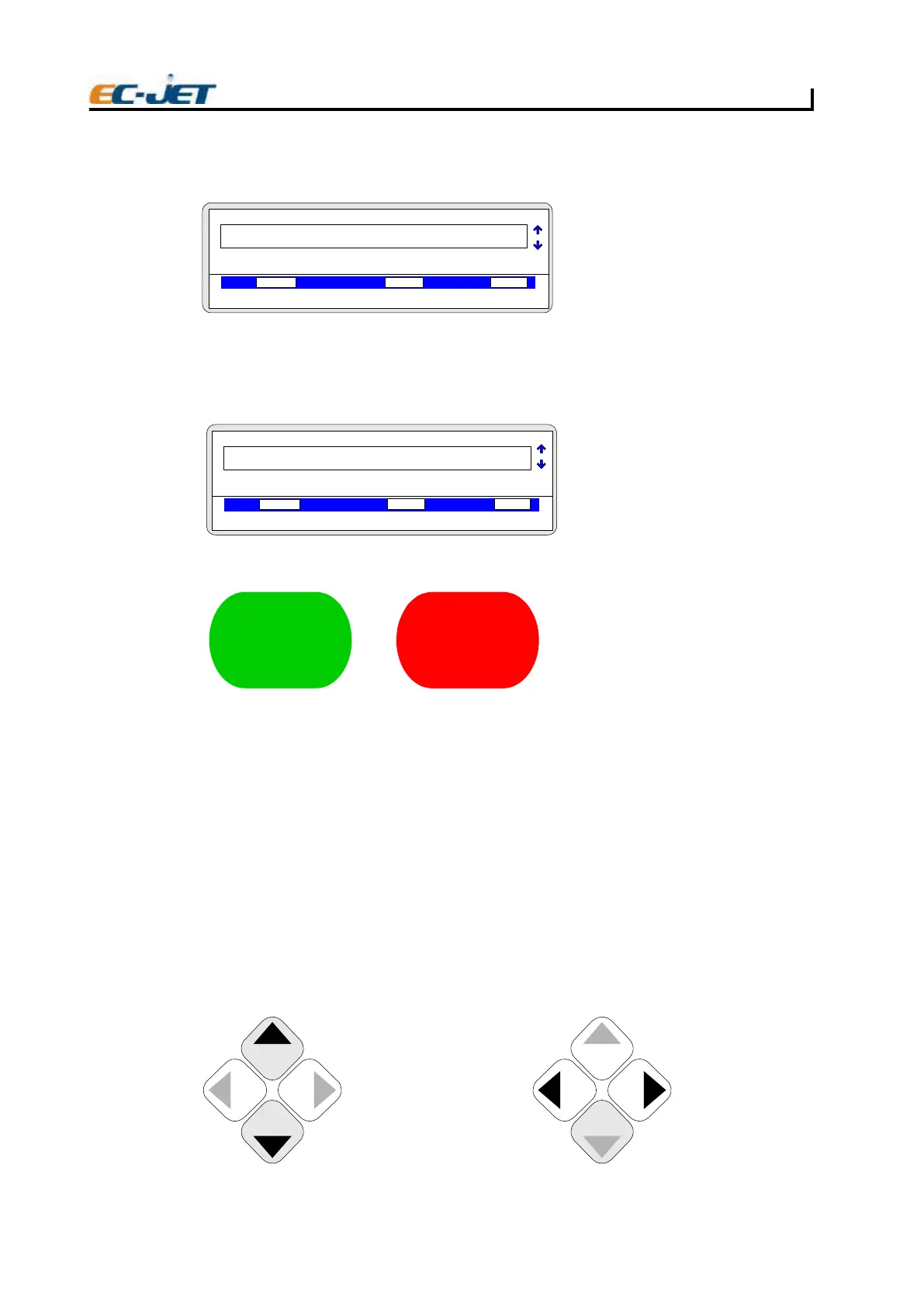
Simply press the [stop] key and the printer will initiate the shutdown sequence, which takes
approximately three minutes. While the machine is shutting down, the following status message will
be displayed in the status line of the display:
Wait for the system to carry out its shutdown functions, which among other things, includes clearing
the nozzle of the printhead.
When the printer has finished the shutdown sequence, the following message will appear in the
status line of the display:
The machine may now be switched off by the power switch at the rear of the printer.
CAUTION: Never switch off until the printer tells you to do so when it displays: “Jet Stopped: You
may now swi
tch off”, in the status line of the display. Whenever the Start or Stop keys
are pressed, the CURRENT MESSAGE screen is displayed.
Cursor Control Keys
The up/down arrow keys are used to select messages and move up and down through the options
of a menu. The left/right arrow keys are used to scroll through the multiple choices/values of a menu
option.
The cursor keys are also used to move the edit cursor when creating or editing patterns to be printed.
F1: 2FtnirP potS :Check Status
F3: 4FgnitnirP :Change Setup
VOD PRESSURE PHASE
00000 007 13
Waiting For SHUTDOWN…
2006-03-24 14:01:38
1
TEST PRINT
EJ07
CURRENT MESSAGE
1
EJ08
CURRENT MESSAGE
F1: 2FegasseM tidE :Check Status
F3: 4FegasseM weN :Change Setup
VOD PRESSURE PHASE
00000
000
1
Jet Stopped: You May Now Switch Off
2006-03-24 14:01:38
TEST PRINT
Start
Stop
Start key
This starts the jet and
adjusts the system to
ensure the printer is
ready to print
Stop key
This initiates the
shutdown cycles which
clean the system and
prepare the printer for
the next start
EJ09
EJ10
Left/Right arrow keys
Use left/right arrow keys
to Select from the range
of values or choices for
the Current option, and
press the [enter] key to
activate the choice.
EJ11
Up/Down arrow keys
Use up/down arrow keys
to locate option and press
[enter] key to select the
option. The > symbol will
move to the right with the
current value shown in
inverse video.



 To Next Page