| 59
59 User Manual
Troubleshooting
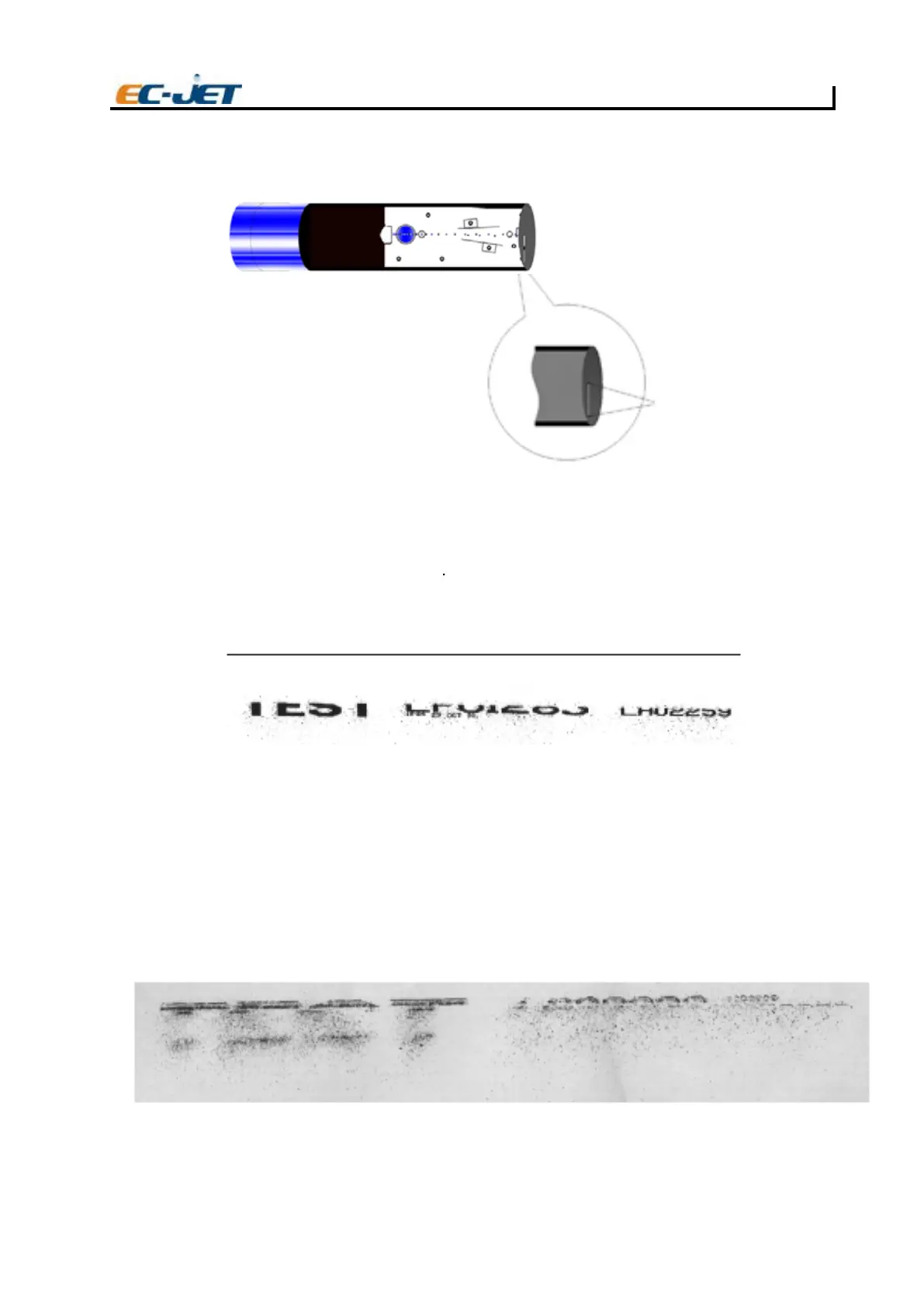
NOTE: It is sometimes possible for the least deflected drops to clip the cover slot, in which case the effect
is similar to the Gutter Clipping fault
Most commonly, the drops are lost at the bottom of the print, as in the above print sample. Whether the
top or the bottom of the print is missing, a typical result of printhead cover catch is a fine diffuse spray
of drops.
Cause and Cure
Check the EHT settings and connections. Check the printhead cover slot for an obstruction, which may
be a build up of ink. If the printhead cover is badly out of place on the printhead, the drops to be printed
may miss the cover slot altogether. Ensure that the conduit is not pulling the printhead out of line with
the cover slot.
Print Samples
EJ98
The above print sample shows what can happen if the printhead cover slot is obstructed by dried ink,
dust or some other contaminant, such as a hair.
PRINT SAMPLE(Gutter clipping)
EJ95
Cover clipping zone
EJ96



 To Next Page