| 67
67 User Manual
Troubleshooting
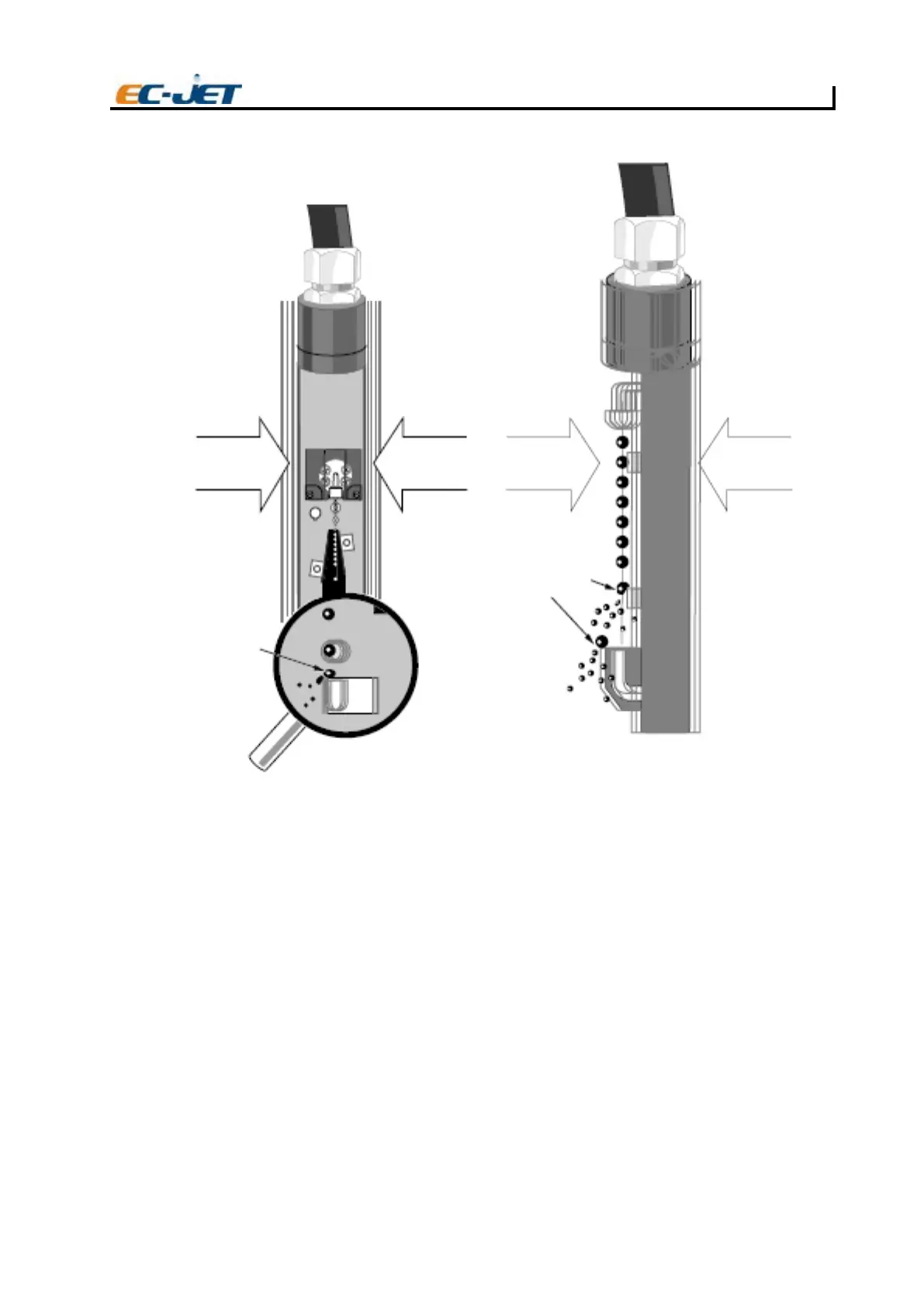
Jet obstruction due to high impact knock or excessive vibration.
FC39 No Print - Print Delay Problem
Normally, when the system detects a product passing the photocell, it will activate a “print go” signal
which causes the current message to be printed immediately. The Print Delay option of the SETUP
menu is used to delay printing to allow the product to travel further before printing, thus controlling
exactly where the message is to be printed. For instance, if the product is a long one and the message
is to be printed in the middle, it will be necessary to set the delay to a value appropriate to the speed
of the conveyor and the length of the message, which will cause printing to occur at the desired place.
What actually happens is that when the system detects a product passing the photocell, it will delay
printing by counting the number of rasters it would have printed, until that count becomes equal
to the
value of the Print Delay option.
However, if the Print Delay value is set to an inappropriate value, it is possible for the next product to
arrive before the delay expires. This resets the delay to begin counting again, and since the conveyor
is travelling at the same speed, the next product will once again arrive before printing has occurred and
the delay will be reset; and so on. If this is allowed to continue, printing will never occur.
The following illustrates this problem:
EC-JET
FORCE
ECROFECROFECROF
Gutter moves out
of drop stream
causing drops to
dirty the head by
colliding with either
side of the gutter
Impact or vibration
in this direction causes
drops to collide with
the VOD sensor and
gutter edge
EJ106



 To Next Page