EN
61
ELIMINATING PROBLEMS
If you come across a problem while using the bread maker, before referring to a service centre, first go
over the following information:
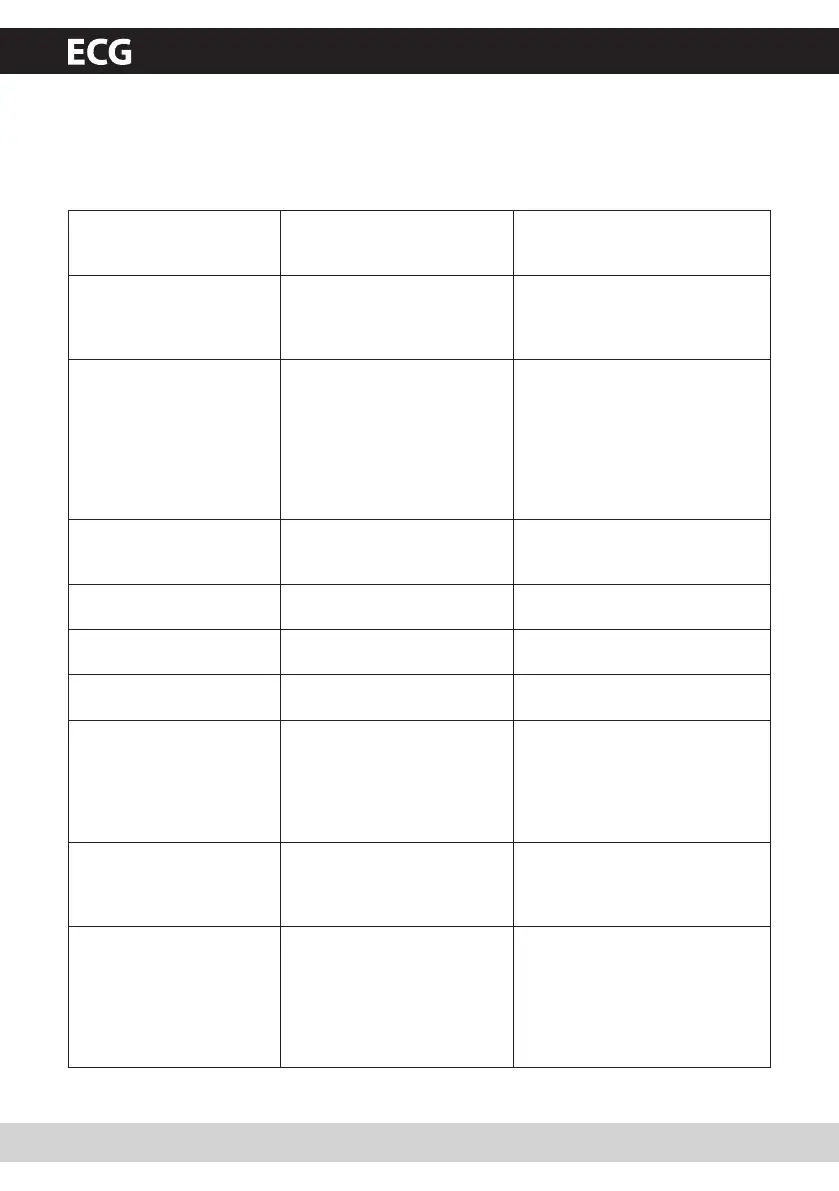
Problem Cause Solution
Smoke is coming from the
baking area or from vents.
Ingredients stick to the baking
area or on the outer side of the
baking form.
Disconnect the cord from the
socket and clean the outer part of
the baking form or baking area.
The middle of the bread is
sinking and is moist on the
bottom.
The bread remained in the
baking form too long after the
baking and warming process
ended.
Remove the bread from the baking
form before the warming phase
ends.
Bread is hard to remove
from the baking form.
The bottom side of the loaf
sticks to the kneading hooks.
Move the shafts from side to side
until the bread falls out. Clean and
kneading hooks and shafts after
baking. Fill the baking form with
warm water for about 30 minutes,
as necessary. The kneading hooks
can then be easily removed and
cleaned.
The ingredients are not
mixed correctly and the
bread is not baked properly.
Incorrect program settings. Check the selected program and
other settings.
The START/STOP button was
pressed during operation.
See chapter Bread Maker Functions
(repetitive functions).
The lid was opened several
times during operation.
Do not open the lid until the final
yeasting phase has finished.
Long-term power outage
during operation.
See chapter Bread Maker Functions
(repetitive functions).
The rotation of kneading hooks
is blocked.
Check whether the kneading
hooks are blocked by grains etc.
Remove the baking form and
check if the shafts rotate freely.
Refer to customer service if this is
not the case.
The baking form is lifter
during the kneading phase.
The dough is too thick.
Kneading hooks are blocked
and the baking form is pushed
up.
Open the lid and add a small
amount of liquid to the dough.
Then close the lid again.
The bread maker cannot be
started. The display shows
H:HH.
The bread maker is still hot
from the last baking cycle.
Hold the START/STOP button
down, until the BASIC setting is
displayed. Remove the baking form
and leave the bread maker to cool.
Then return the baking form to its
position, set the program again
and start the bread maker.
PCB 538 CZ+SK+DE+EN.indb 61 18.6.2010 15:30:14


 To Next Page