107
Point
registration
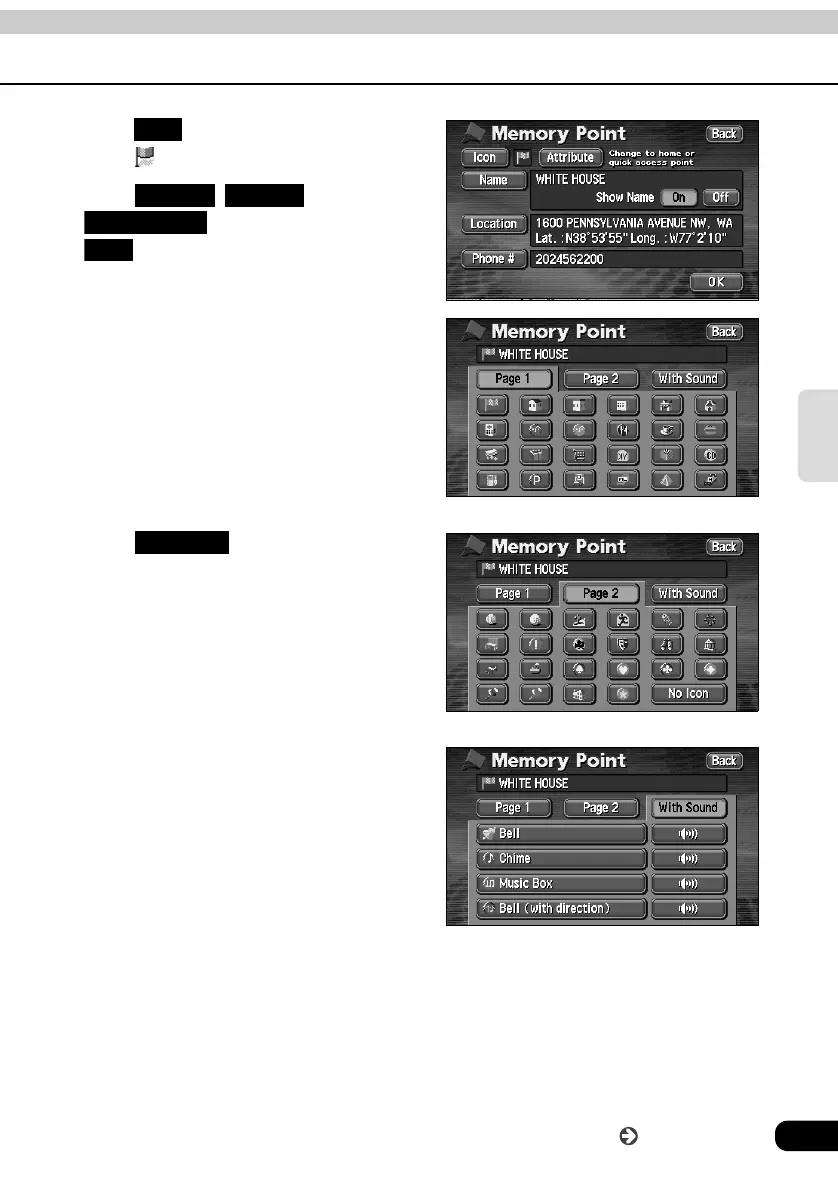
• Touch to display the selected symbol
in the position.
• Touch , or
for the memory point
to change the type of symbol.
• Touch to not display the
registered memory point symbol on the
map.
• Selecting a symbol with sound will enable
an alarm to sound when about 0.3 miles
from the memory point.
Icon
Page 1 Page 2
With Sound
Icon
Page 1
Page 2
No Icon
With Sound
Go to the next page



 To Next Page