117
Point
registration
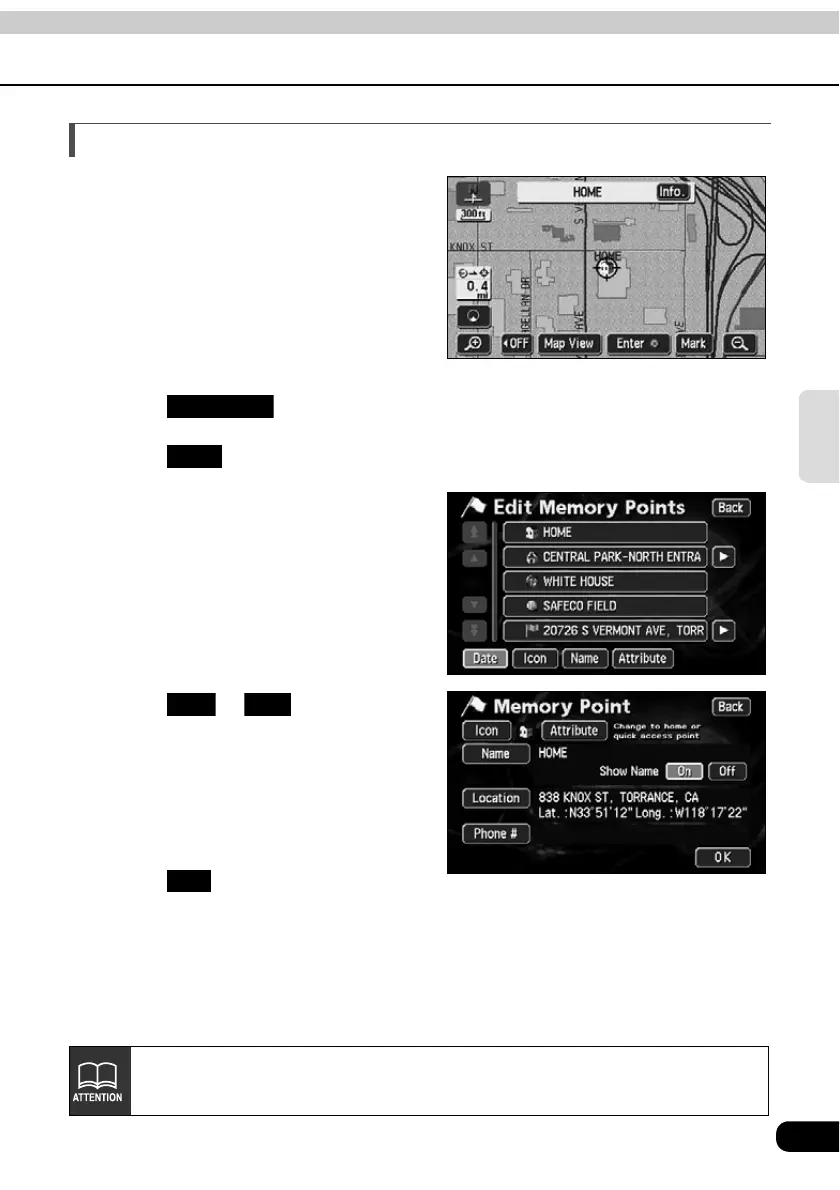
Displaying the name of a memory point
The name of the memory point entered can be
displayed.
Touch in the Menu screen.
Touch for Memory Points.
Touch the memory point whose
name you want to display.
Touch or for Show
Name.
• The pressed touch switch will become
brighter.
Touch .
My Places
Edit
On Off
OK
Maps with a scale of 0.5 miles or greater detail can be displayed.



 To Next Page