38
3. Map displays
Basic operation
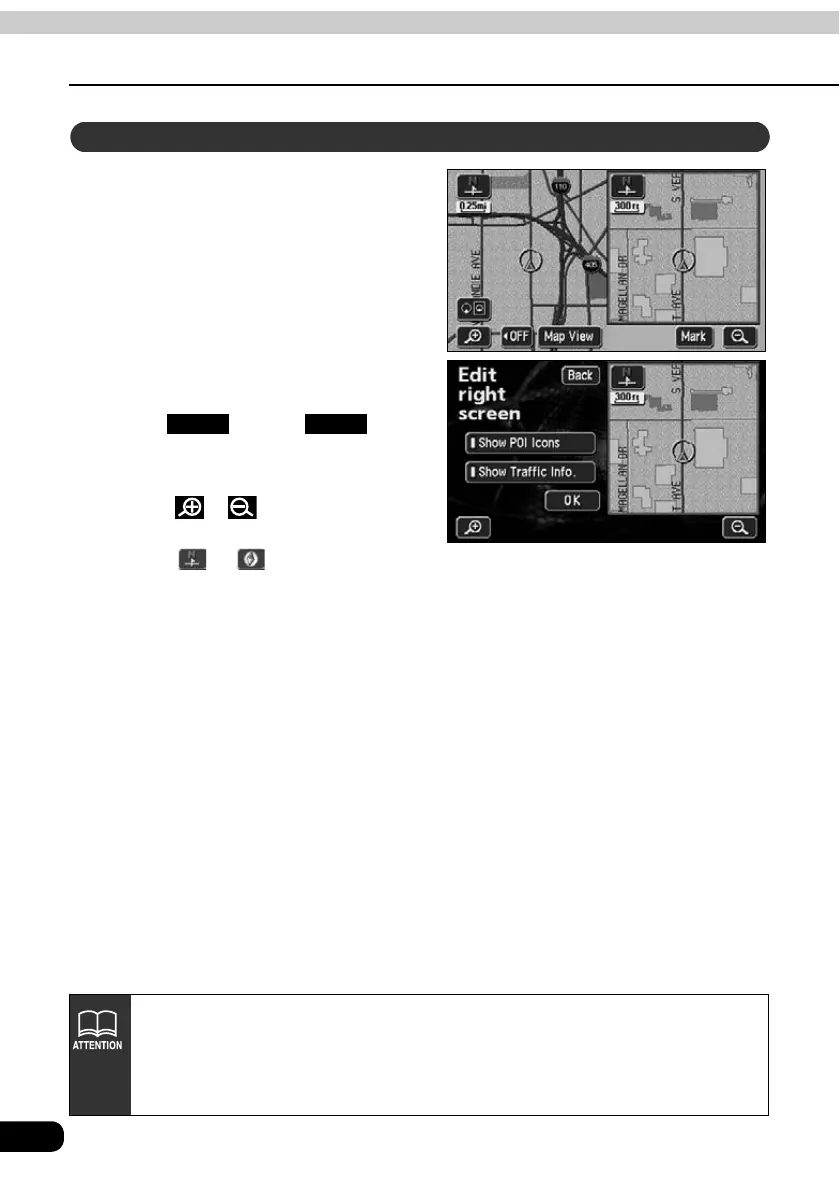
Touch the map shown in the screen
on the right.
Touch any touch switch.
Touch . Touch to
return to the double screen map
display.
• Touch or to switch the map
reduction scale.
• Touch or to switch the map
orientation.
Operating the screen on the right
Back Back
• When in double screen display, only the map appearing on the left screen can
be moved with one-touch scroll.
• Maps retrieved by the destination setting screen or all-route display screen will
appear as one screen. When returning to the present location screen, the
double screen form will reappear.



 To Next Page