138
1. Rear View Camera operations
Optional function
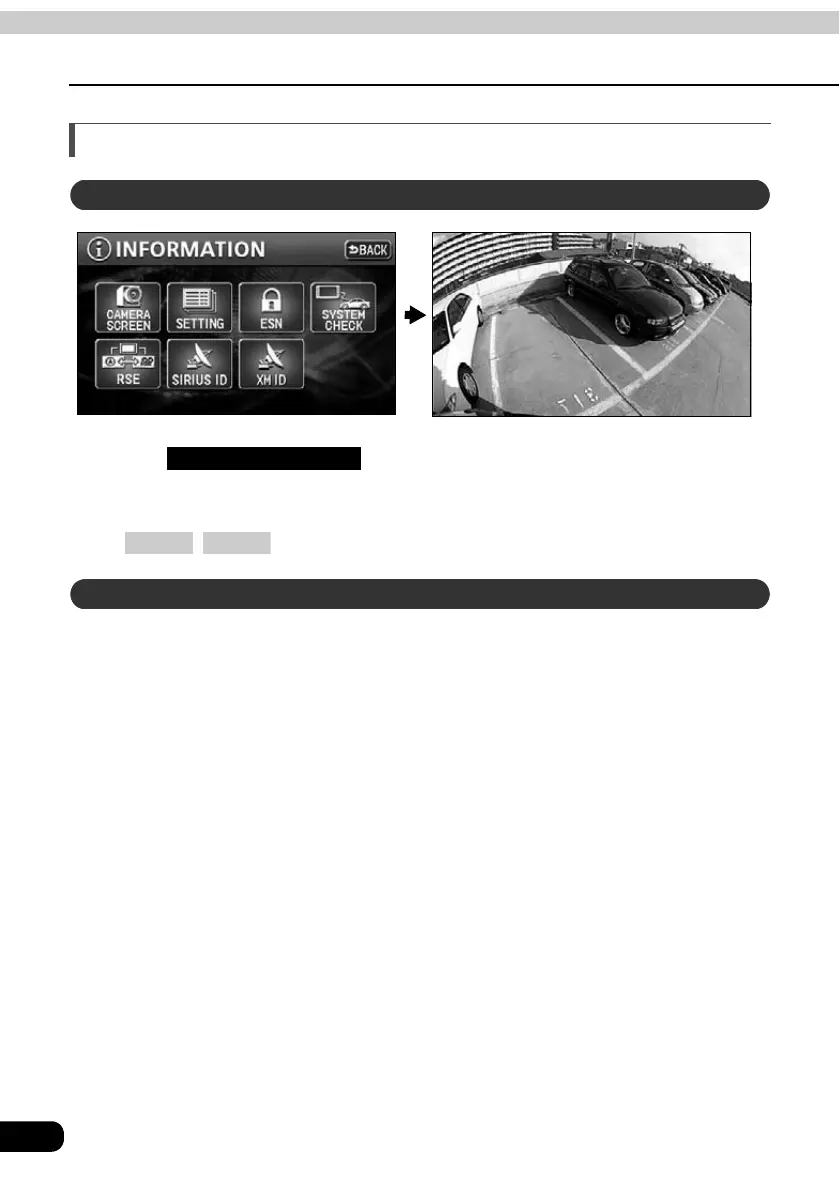
Rear View Camera image
Touch on the INFORMATION screen.
• The rear image appears on the monitor screen.
• Touch any of the following switches to return to the normal screen:
, .
To display the rear view image in reverse gear, set "AUTO" for the "CAMERA SCREEN" setting
in advance. (Refer to page 140)
Select reverse gear.
• The rear image appears on the monitor screen.
• On shifting to any gear other than reverse, the normal screen is redisplayed.
Displaying the rear view image manually (MANUAL)
CAMERA SCREEN
MAP MENU
Displaying the rear view image in reverse gear (AUTO)



 To Next Page