37
Basic
operation
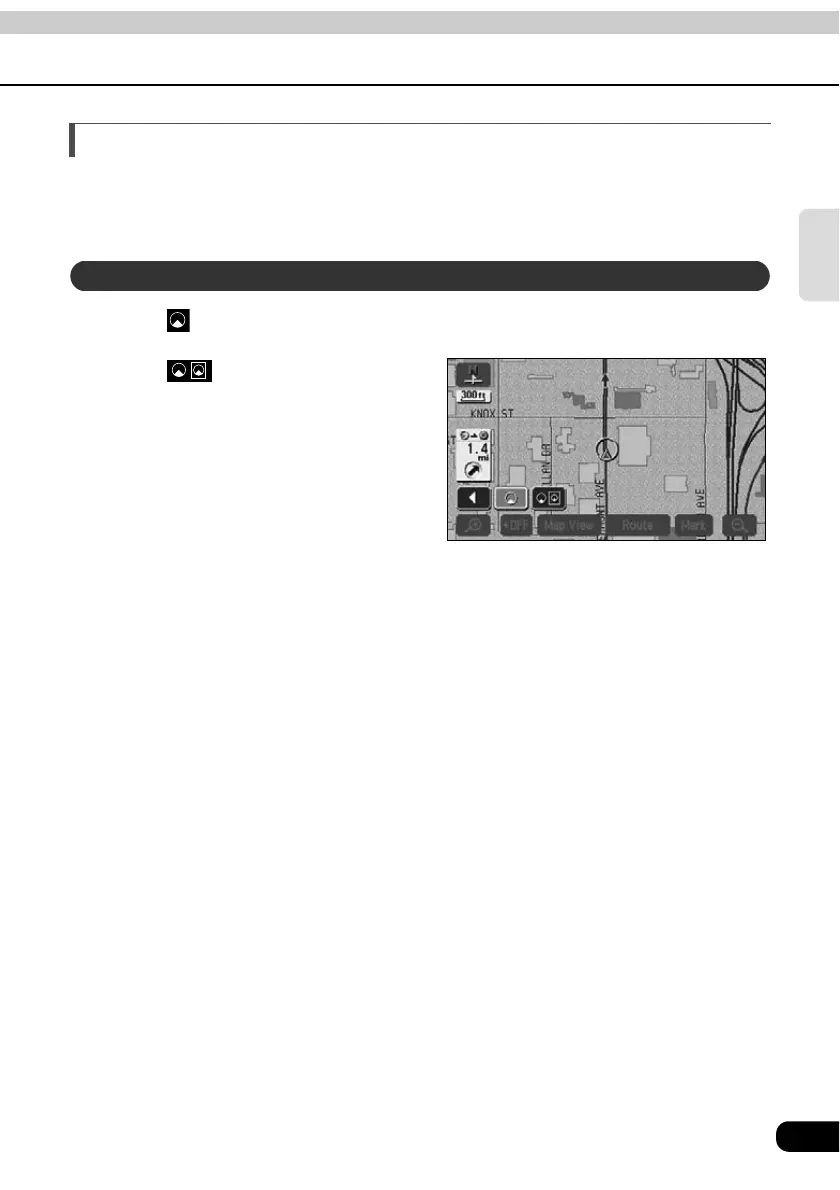
Switching to double screen display
When a map is displayed, the screen can be divided into two parts as shown below.
Ex.) Two maps can be displayed with; different reduction scale screens, North up and
Heading up screens, POI display ON and OFF screens.
Touch when a map is displayed on the screen.
Touch .
• The screen on the left can be operated
the same way as when only one
screen is displayed.
Switching to double screen display



 To Next Page