32
3. Map displays
Basic operation
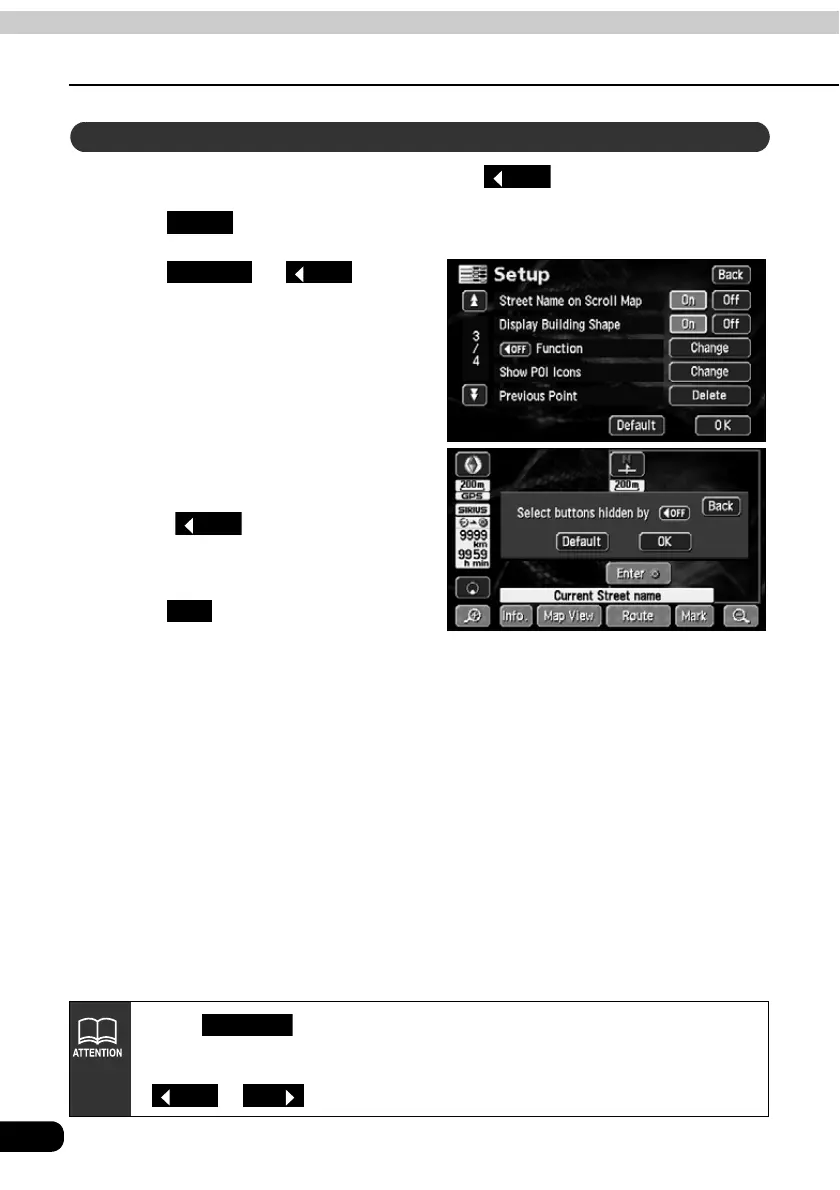
You can set the switches to be hidden on pressing the touch switch.
Touch in the Menu screen.
Touch for
Function.
Touch the touch switches desired
for non-display.
• Touch on the map screen
and the touch switches selected here
will not appear.
Touch .
Setting touch switches to display or not display
OFF
Setup
Change
OFF
OFF
OK
• Touch on the switch display setting screen to return the switch
display setting to default status.
• To display all the touch switches, touch those displayed in toned-down color.
or are not displayed.
Default
OFF
ON



 To Next Page