44
3. Map displays
Basic operation
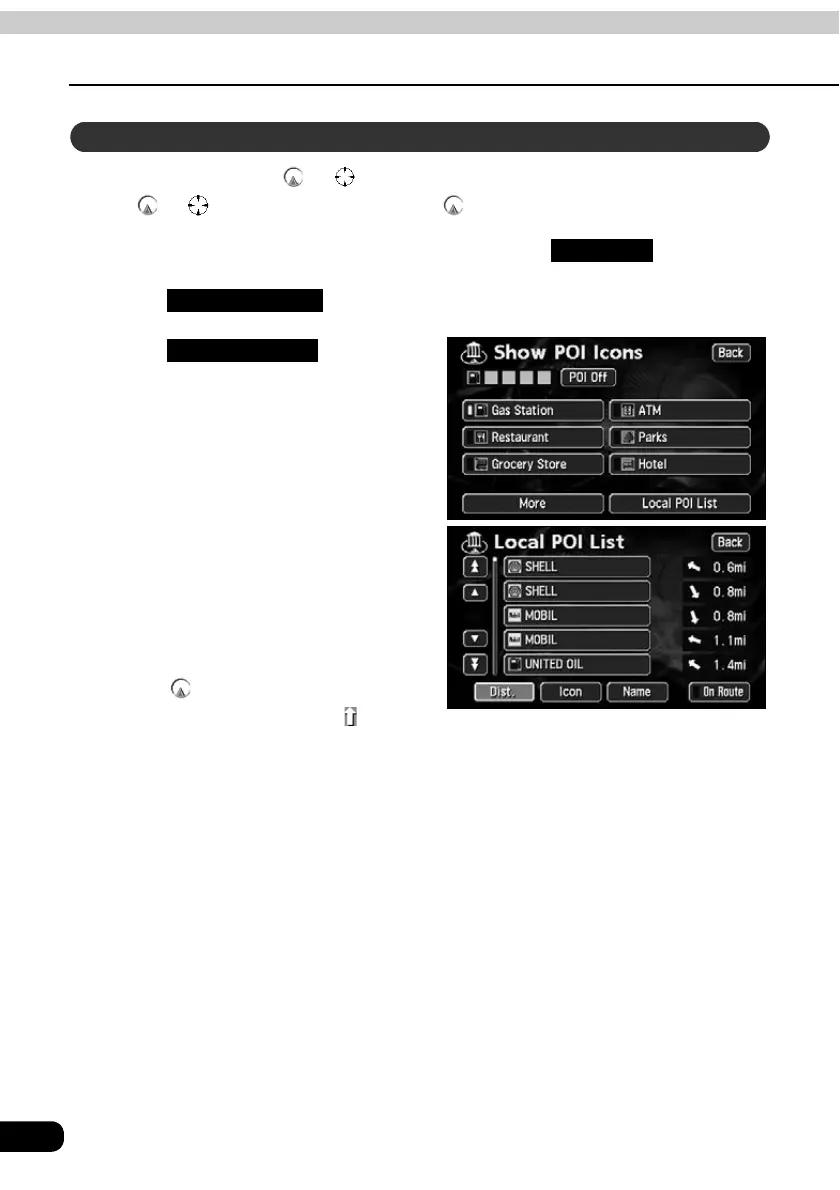
Names of POIs close to the or mark on the map and their distance in a straight line
from the or mark can be displayed. With , it is also possible to display a direction.
If POI landmarks are displayed on the map, touch .
Touch .
Touch .
• A list of the selected POIs appears.
Touch the POI name to be
displayed.
• A map with the selected POI in the
center is displayed with the POI name
and its distance in a straight line to the
present location is displayed.
• If the mark is displayed, POIs
ahead of it are shown with a mark
(arrow pointing upwards). (Position viewable from the vehicle directional heading.)
• If a destination is set, a list of POIs along the route can be displayed. Refer to the
Section "Displaying a list of POIs along the set route" on page 46.
Search for POI vicinity
Map View
Show POI Icon
Local POI List



 To Next Page