72
2.
Set a destination and search for a route
Navigation guidance
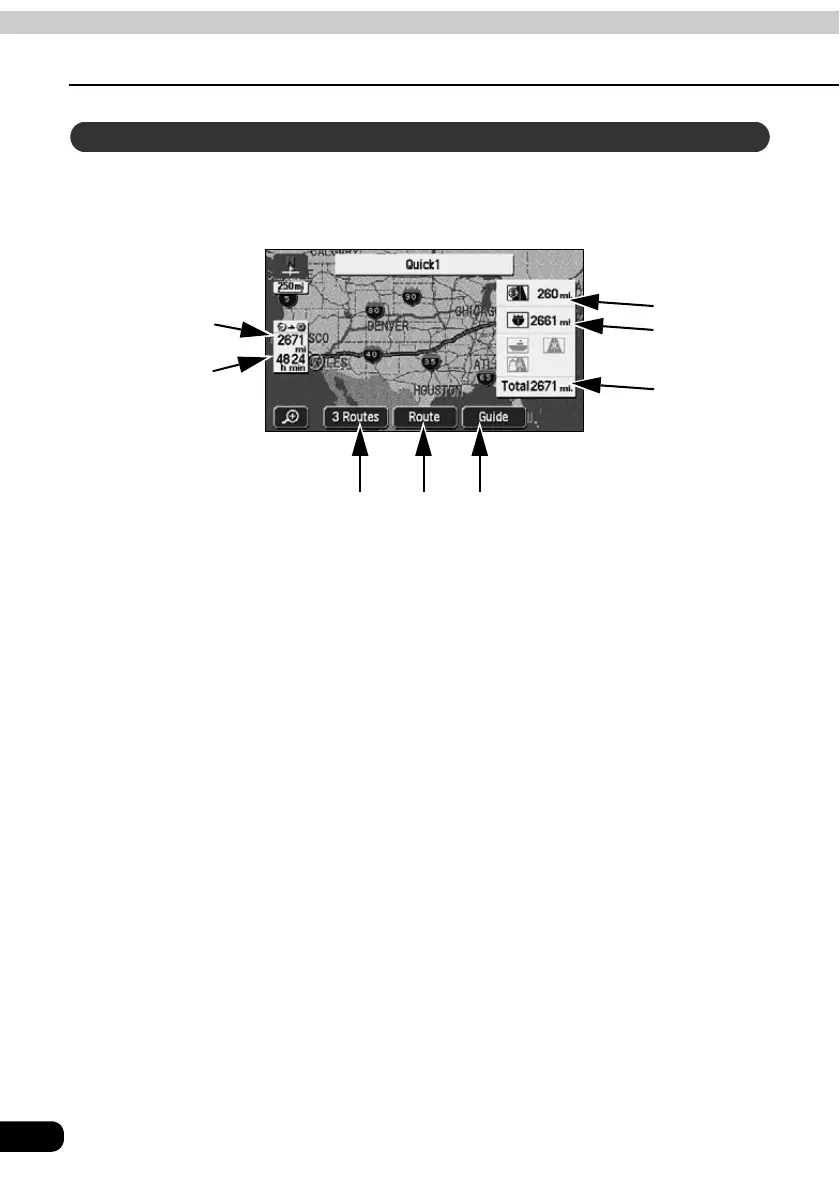
On the all-route screen, routes from the present location to the destination, the estimated
arrival time and distance are indicated.
Also, the search result routes can be changed and the guidance data can be displayed.
■ Items displayed
Data up to the final destination is displayed.
1 Distance on toll roads
The distance on all toll roads is displayed.
2 Distance on freeways
The distance on all freeways is displayed.
3 Distance
The total distance on all roads including toll roads, freeways, local streets to the
destination (when multiple destinations are set, the final destination) are displayed.
4 Required time
The required time up to the destination is indicated.
5 Distance remaining
The distance to the destination for the route presently taken are displayed. (If deviating
from the road after route guidance has started, the distance to the destination in a straight
line is indicated.)
All-route display and touch switches
5
1
2
3
4 4
1 2 3



 To Next Page