Basic operation
23
Basic
operation
2.
Adjusting the screen and setting the sound
Screen adjustment
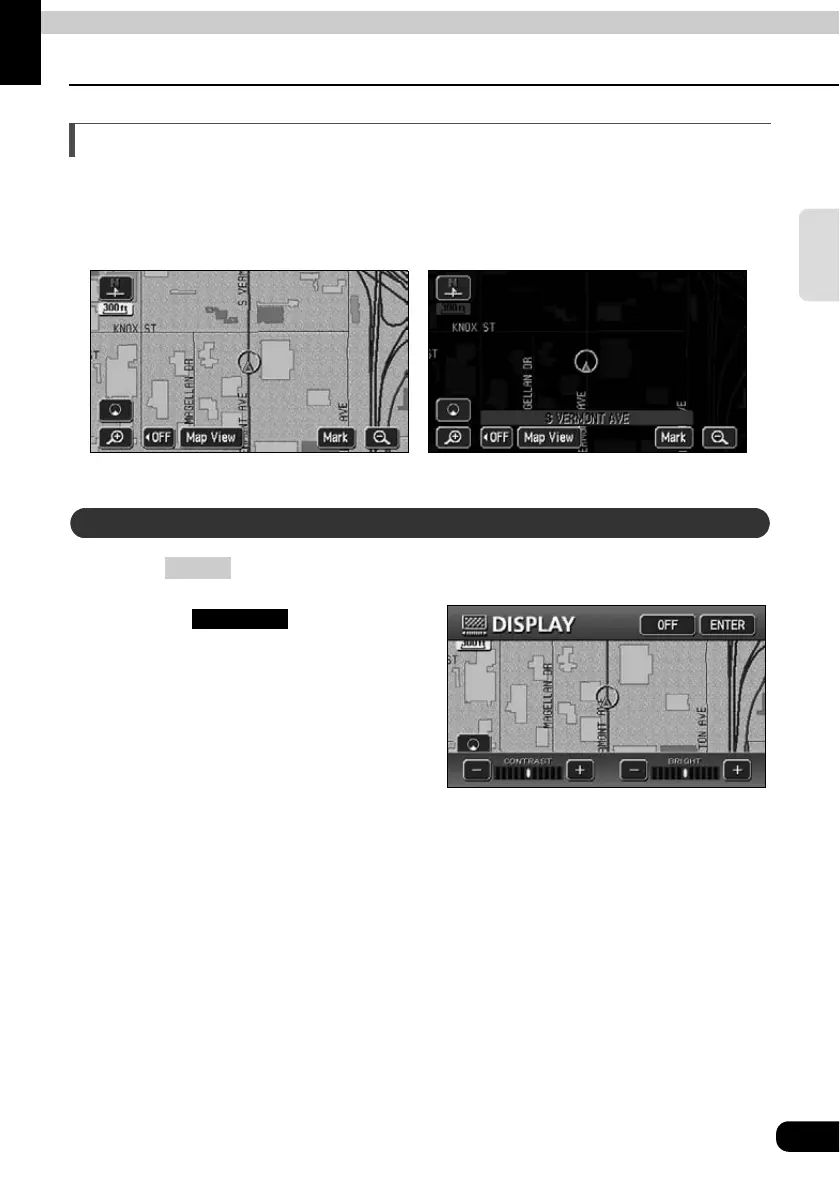
To make viewing easier, the display switches between day screen/night screen according to
whether the vehicle lights (parking lights, taillights, license plate lights) are on/off.
(Default status) ● Lights turned OFF ........daytime display
● Lights turned ON.......... nighttime display
Press until a beep is heard.
Pressing after
adjustment, or when more than
about 20 seconds without
operation, setting is completed
automatically and the previously
displayed screen is redisplayed.
● Nighttime display (when lights are turned ON)● Daytime display (when lights are turned OFF)
How to display the image quality adjustment screen
MENU
● Image quality adjustment screen
ENTER



 To Next Page