EasyManua.ls Logo

Ecom ST - 6.1 Remote Setup; 6.1.1 Modbus Configuration

Ecom ST
47 pages
Print Icon
To Next Page IconTo Next Page
To Previous Page IconTo Previous Page
Loading...
32 ecom-ST 1.0
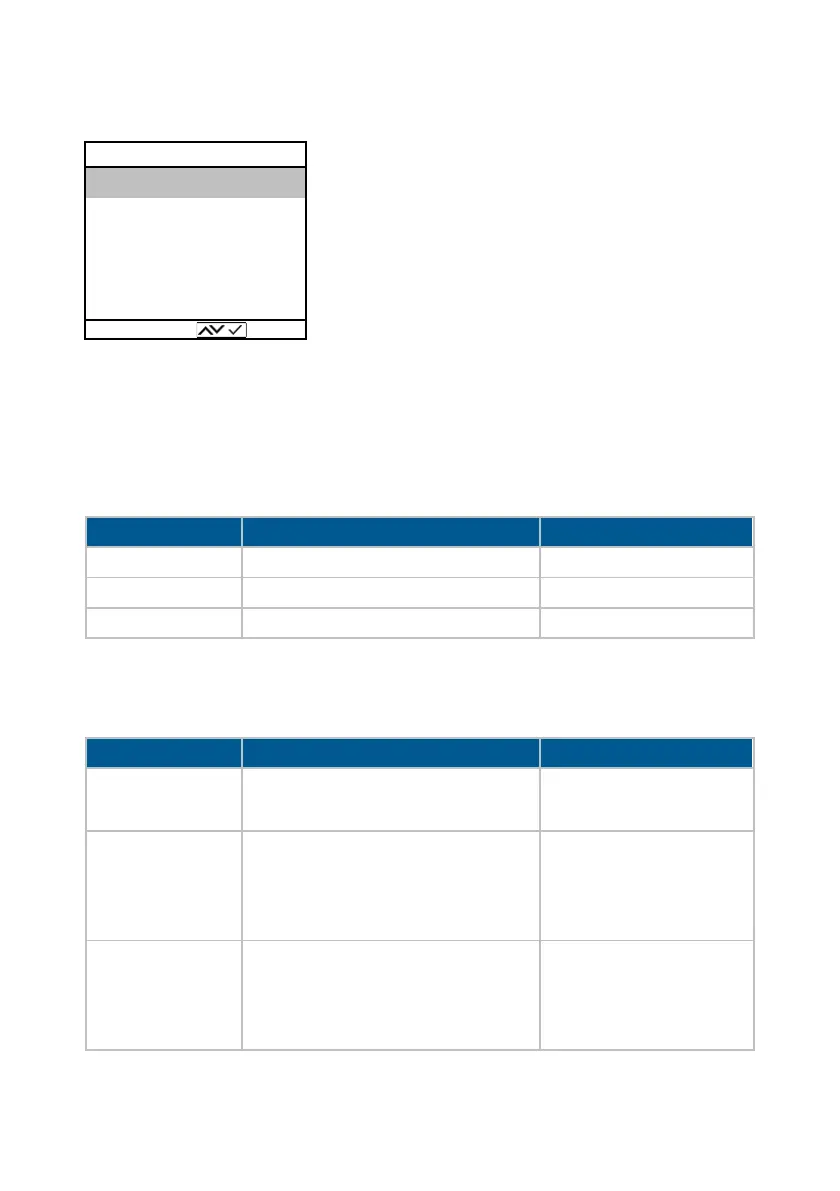
6.1 Remote Setup
Modbus, time control and analog outputs
(option) can be configured in the Remote Setup
menu. The menu item Modbus Info enables
the control of the Modbus data sent and
received. The menu item “Data logger can be
used to record measured values on a memory
card.
6.1.1 Modbus
Info
The following information is available:
Setup
The following settings can be made:

Indication
Meaning
Example
TxD buffer
Received data
See ecomModbus
RxD buffer
Sent data
See ecomModbus
Device address
ecom-ST device address
Standard setting 2
Parameter
Meaning
Setting change
Device address
Change of the ecom-ST device
address for Modbus RTU
Entry after activation
with Enter
Current values
Define assignment of measured
value - memory address:
1. Address 0x3000
2. Address 0x3001 etc.
Selection with cursor
keys
See ecomModbus
Stored values
Define assignment of measured
value - memory address:
1. Address 0x2000
2. Address 0x2001 etc.
Selection with cursor
keys
Possible measurement
values, see next table
Modbus Info
Modbus Setup
Auto timing
Analog output
Datalogger
Remote Setup
Select:

Related product manuals