4-49
=
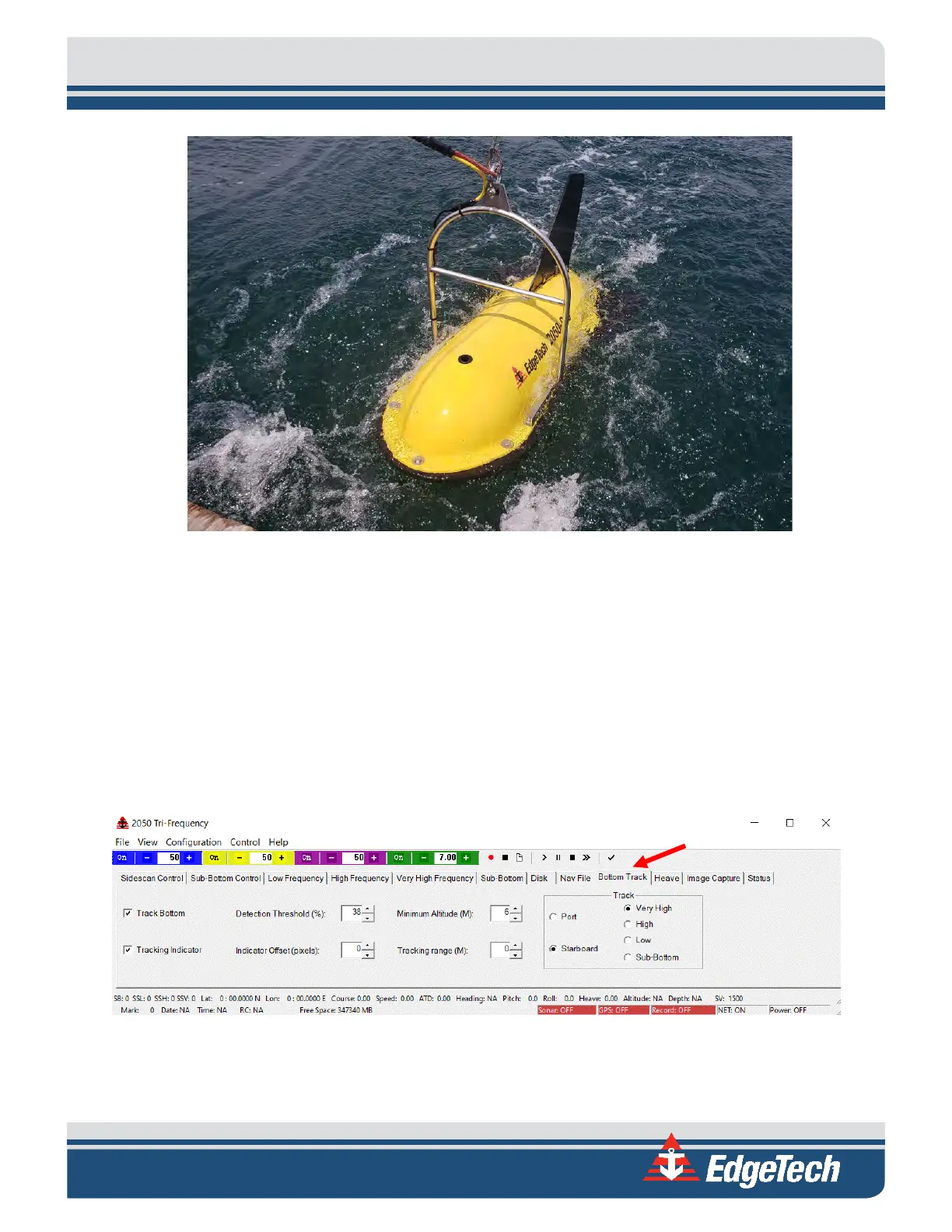
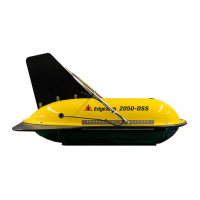
Figure 4-19: 2050-DSS Towfish Deployment
1. With the survey vessel underway at up to two knots, slowly and carefully lower the towfish into
the water, well away from the propeller. Do not let the Towfish strike the hull of the survey vessel.
2. Lower the towfish to a depth of about three meters or just below the propeller wash.
3. Set the range for each frequency in the control window shortcut toolbar in Discover.
4. Normalize gain and TVG by clicking on the shortcut toolbar N and T buttons on both active side-
scan display windows in Discover.
5. Click the Bottom Track tab in the Lower Control panel, shown below.
Figure 4-20: Bottom Track Tab
6. In the Bottom Track Tab, make the required settings to track the bottom and note the Towfish
altitude in the Altitude display. Lower the Towfish such that its altitude is 10–15% of the range


 To Next Page