38
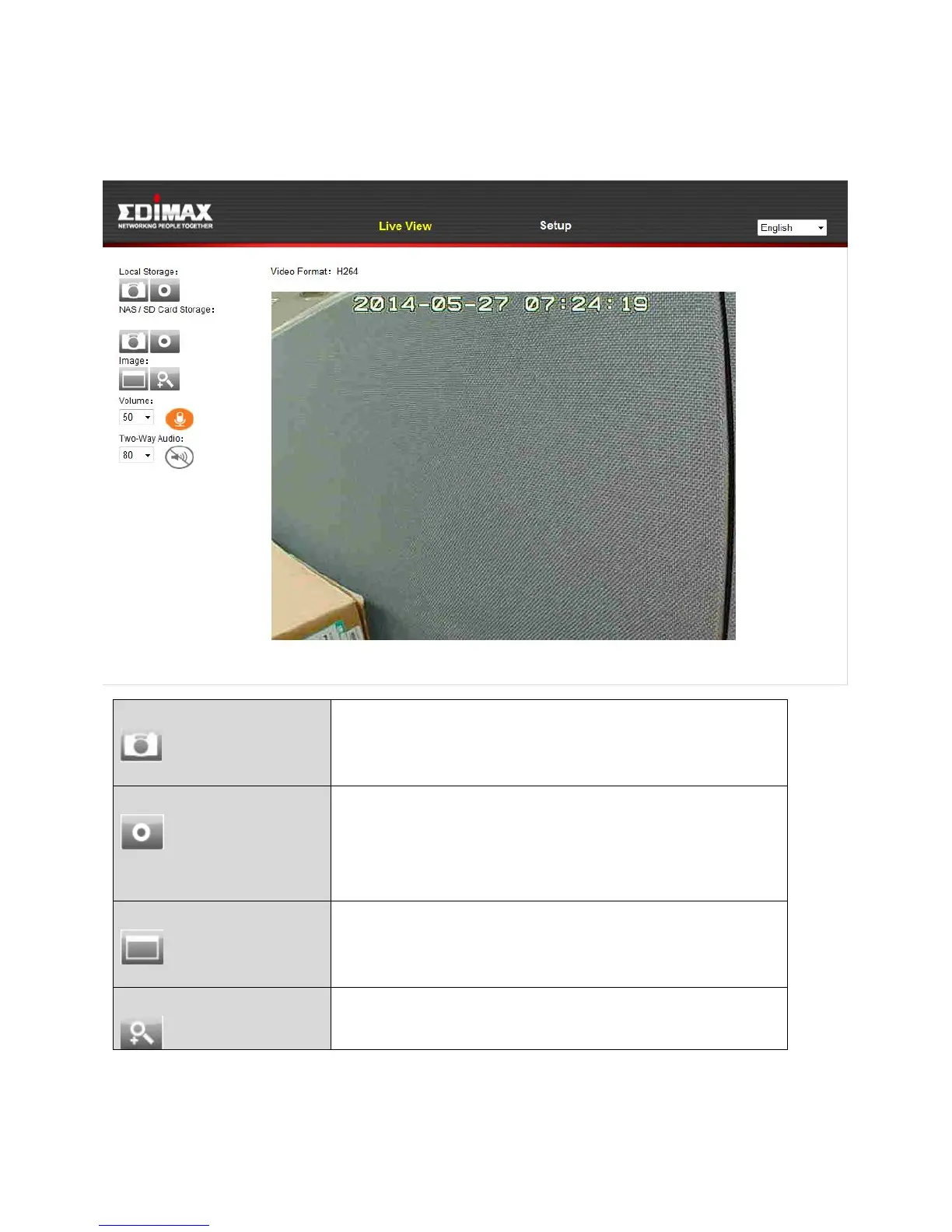
4. For computer users, the “Live View” screen will be displayed, as shown
below. On the live view screen you can see a live stream from your camera
and utilize various camera controls using the icons on the left side.
Save a snapshot (image) of the network
camera’s current view. You will be prompted
to select a location to save the image.
Record video. You will be prompted to select
a location to save the recording. The icon will
display blue while recording, click the icon
again to stop recording.
Expand the live view of the network camera
to full screen mode. Press the “Esc” key on
your keyboard to exit full screen.
Click to open the digital zoom window:



 To Next Page