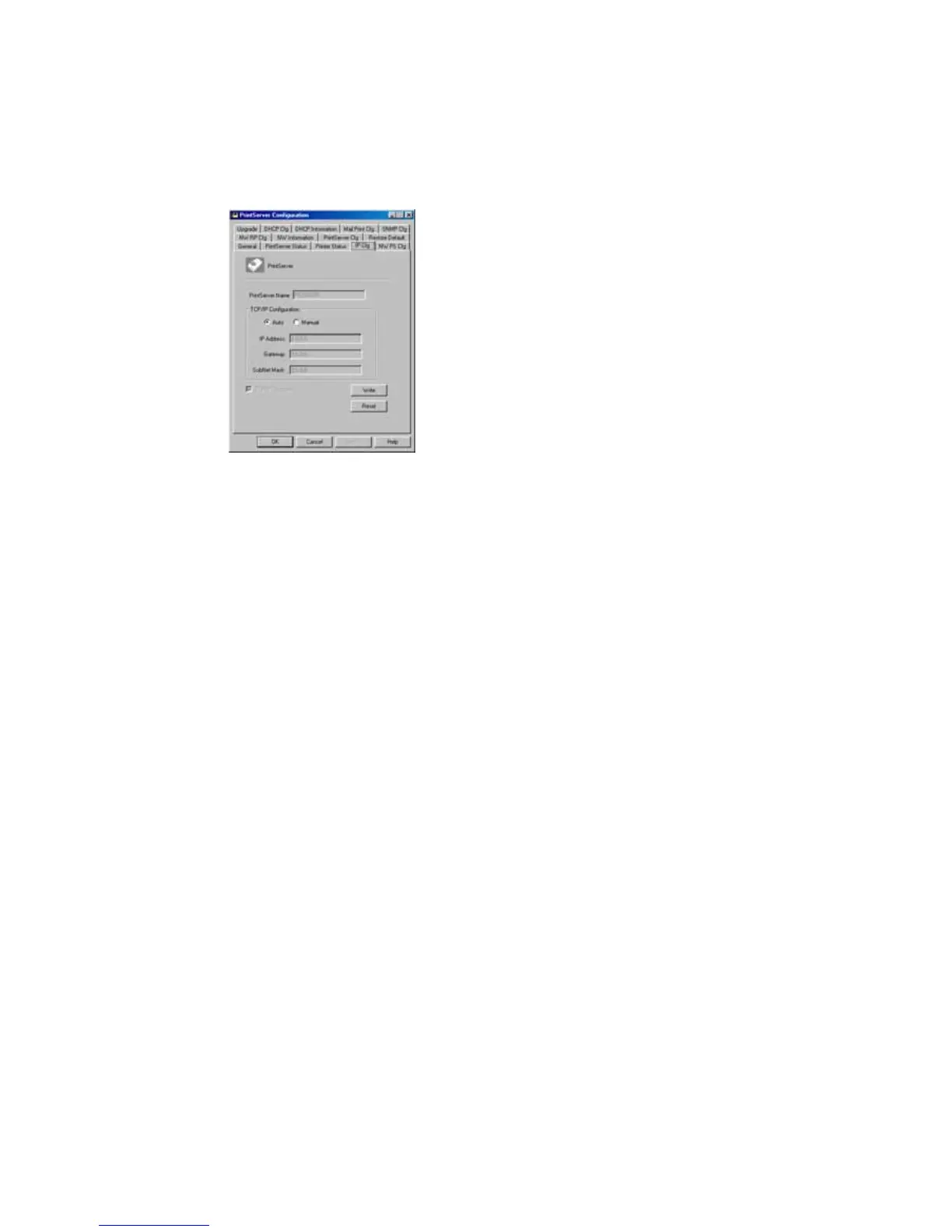
7.5 IP Cfg - IP Address Configuration
The
IP Cfg
page allows you to configure the IP address
where the print server is to be located. The print server will
obtain its IP address automatically if you configure the IP
address as
Auto
.
Click
Write
button to save the configuration to the print
server and Click
Reset
button to reset the print server and
have the changes take effect.















 To Next Page