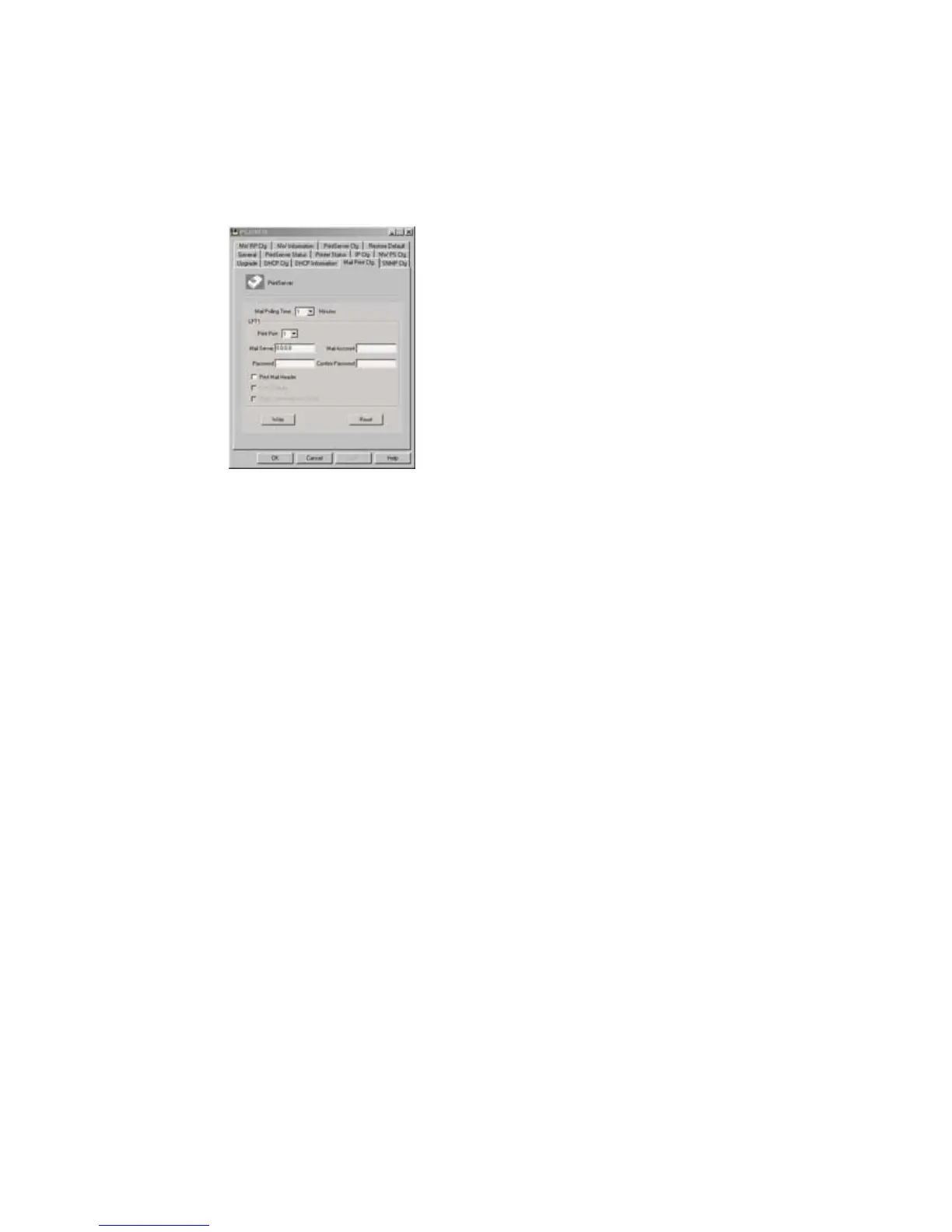
7.14 Mail Print Cfg - Email Printing Setting
Using print server’s email printing function, the client
user on the Internet can email the printing file to a dedicate
mailbox, print server will automatically get the email from
that mailbox and print it to the attached printer. The detail
function description is described in the Email Printing
Chapter.
The page allows you to set:
Mail Polling Time, default value is zero (1
minute). It means the system polling time for
getting the email from mail server.
Mail Server, the mail server IP address of the
mailbox located.
Mail Account, the account of the mailbox in the
mail server.
Mail Password, the password of the mail account.















 To Next Page