4.3 User Installation and Setup
Windows NT Server
Windows 98
Windows 2000
* TCP/IP
* IPX
* NetBEUI
TCP/IP
IPX
NetBEUI
PTPP
Print Queue
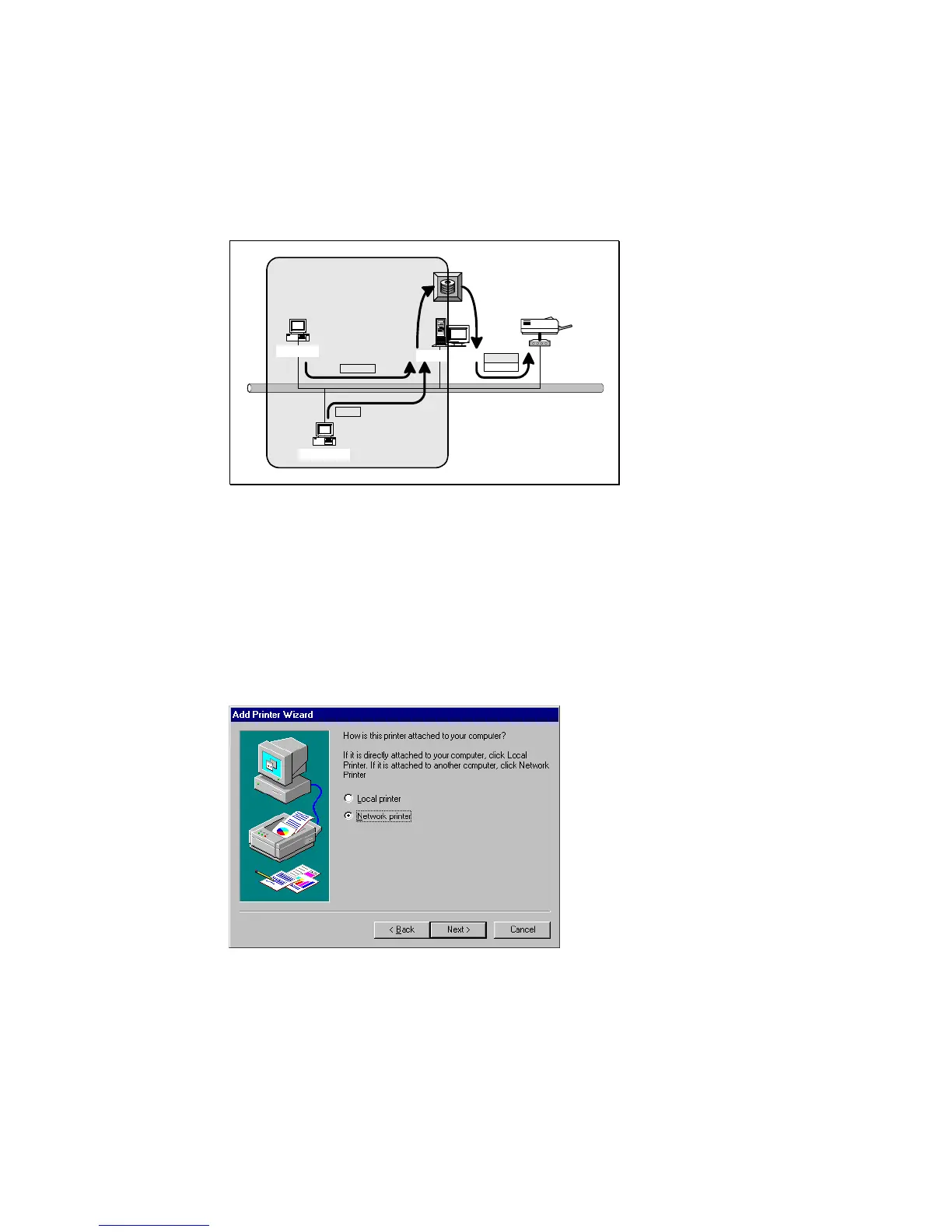
After server side’s installation is completed, client side
will be able to find the server’s shared printer in Network
Neighborhood. You only need to perform Window’s standard
Add New Printer
procedure, select
“Network Printer”
shown in the screen below, and complete the configurations
afterwards to access the shared printer.















 To Next Page