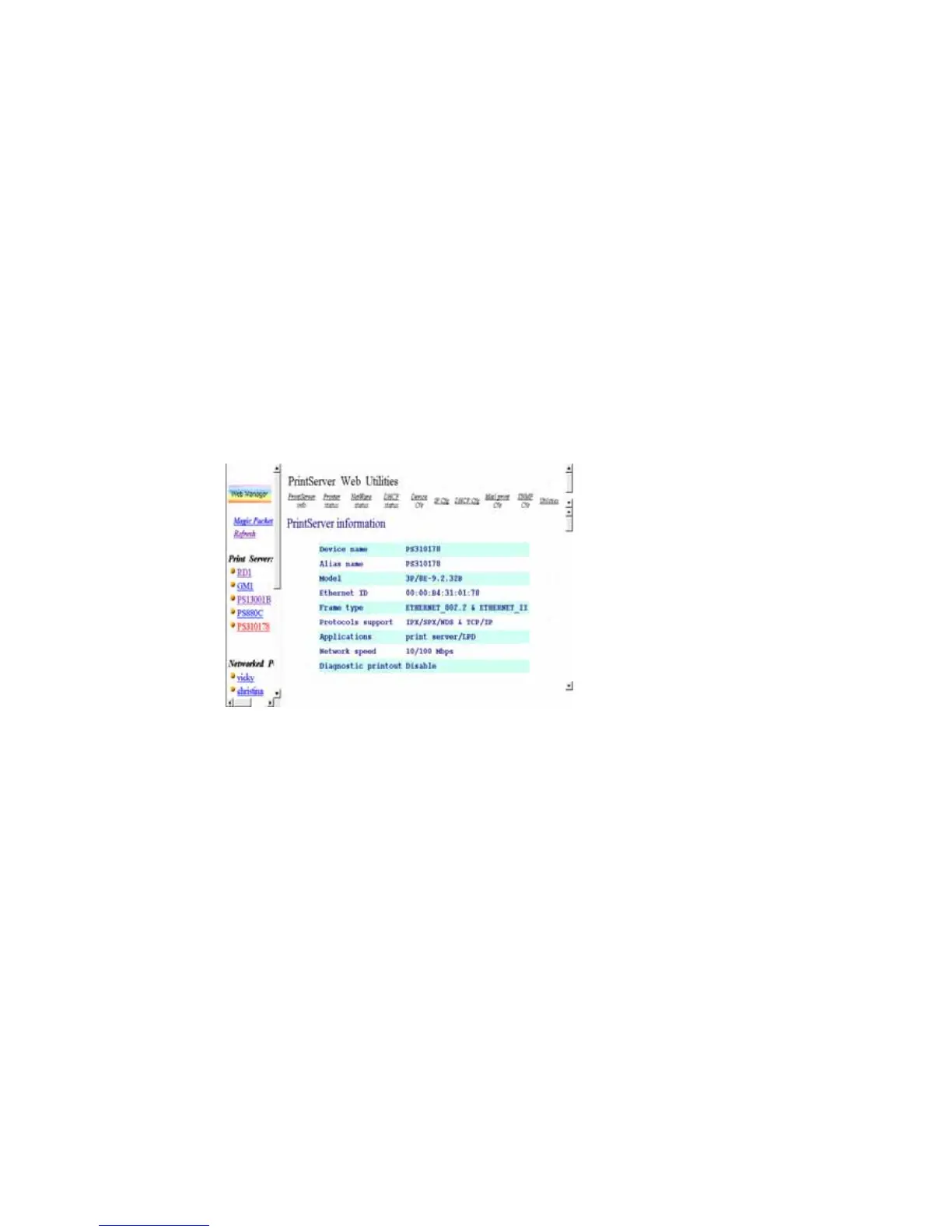
8.3 Web Management of Print Server
8.3.1 Using Browser
You may use any Web Browser to review the status or
configure the settings of the print server. Print Server’s
management screen contains three frames:
Control Panel :
On the top, which contains several HyperText links that
links to a information or configuration page respectively.
Status Line :
On the bottom, which is used to display warning or error
message.
Configuration Pages :















 To Next Page