Chosen
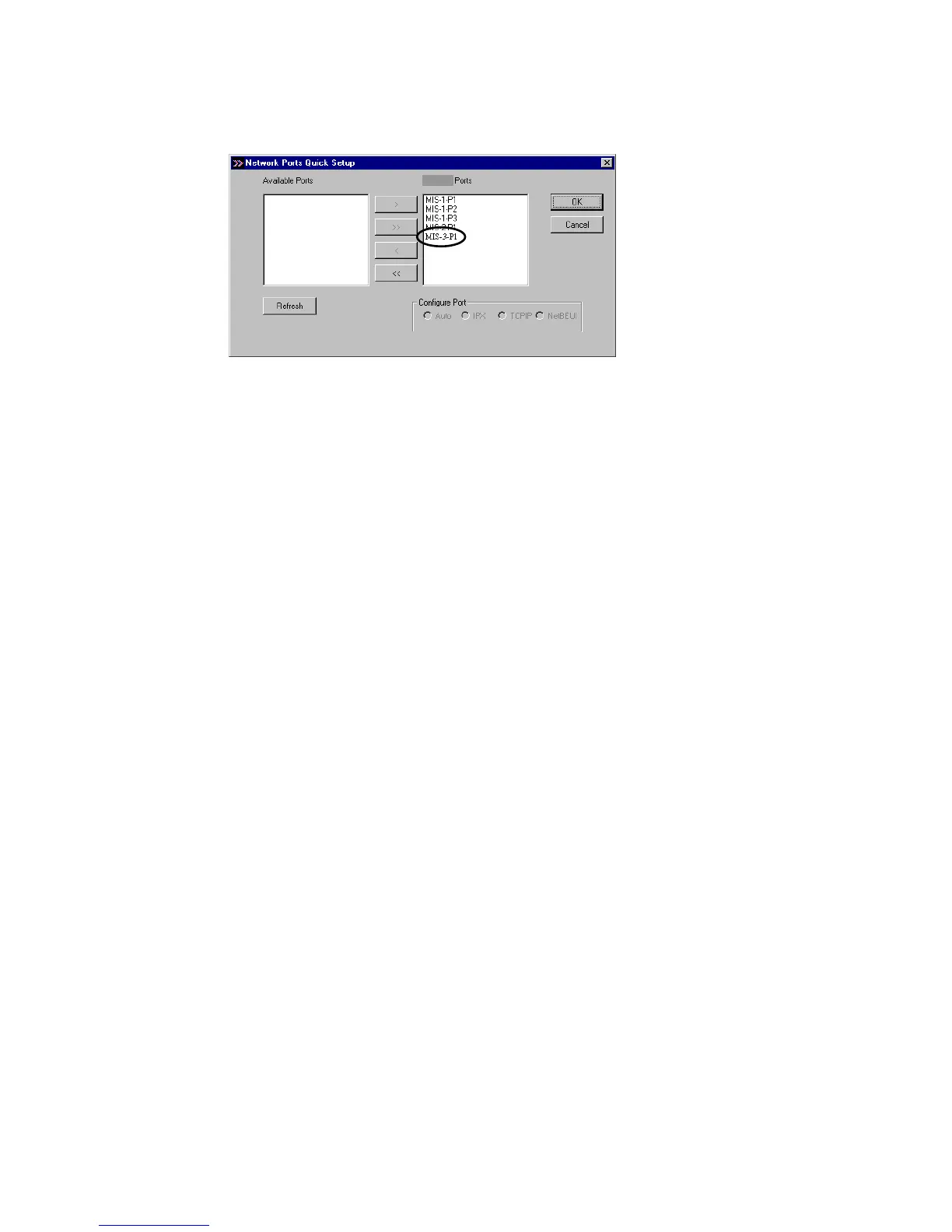
Please be aware that Network Ports Quick Setup Utility
can only detect and configure all print servers on the same
network, it cannot search and configure print servers on other
subnets across network segments. You must use Remote Ports
Utility described in the next section to manage remote
(across network segments) print servers.
3.5.2 Remote Ports (Utility)
Remote Ports Utility offers a convenient way for
you to manage and add printer port of the remote print
server. From the assistant of this utility, you can print
to other print servers outside the subnet across network
segment. However, please note that this function only
supports TCP/IP network protocol.
Please follow the procedures described below:
Step1. Run Remote Ports Utility















 To Next Page