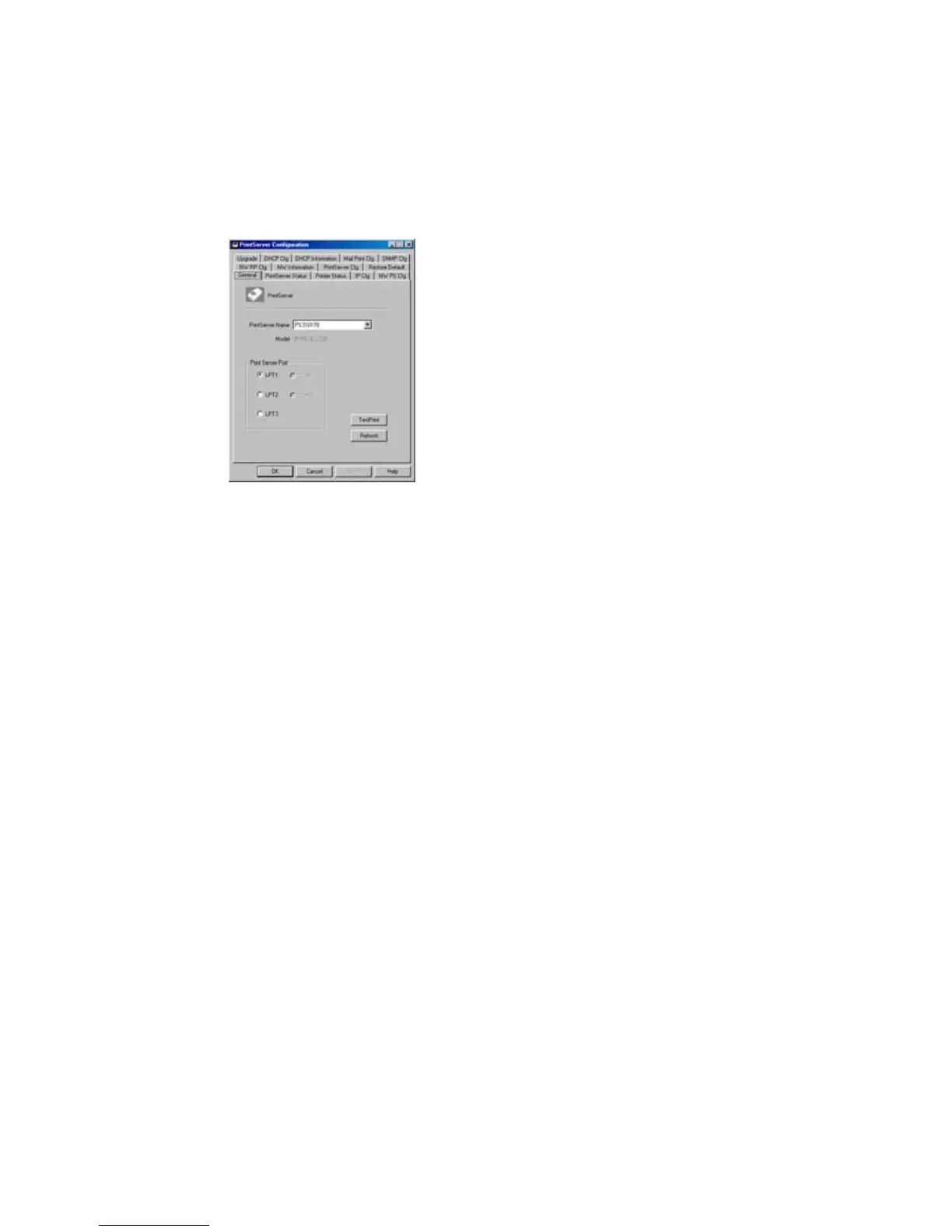
7.2 General - General Information of Print
Server
Every time when you run print server’s
configuration utility, the system will initially
delay for several seconds because the utility is
using system’s available network protocols to
search for all print servers on the network.
Therefore, you must first select the print server
you would like to configure from the
Print
Server Name
’s field under the
General
tag. The
system will, at the same time, display the
selected print server’s model number and
firmware version.
You may select any available printer port in the
Printer Port
’s field at the bottom of that page,
and then press the “
TestPrint
” button to test
print.
By pressing the “
Refresh
” button, you may
manually search again for print servers on the















 To Next Page