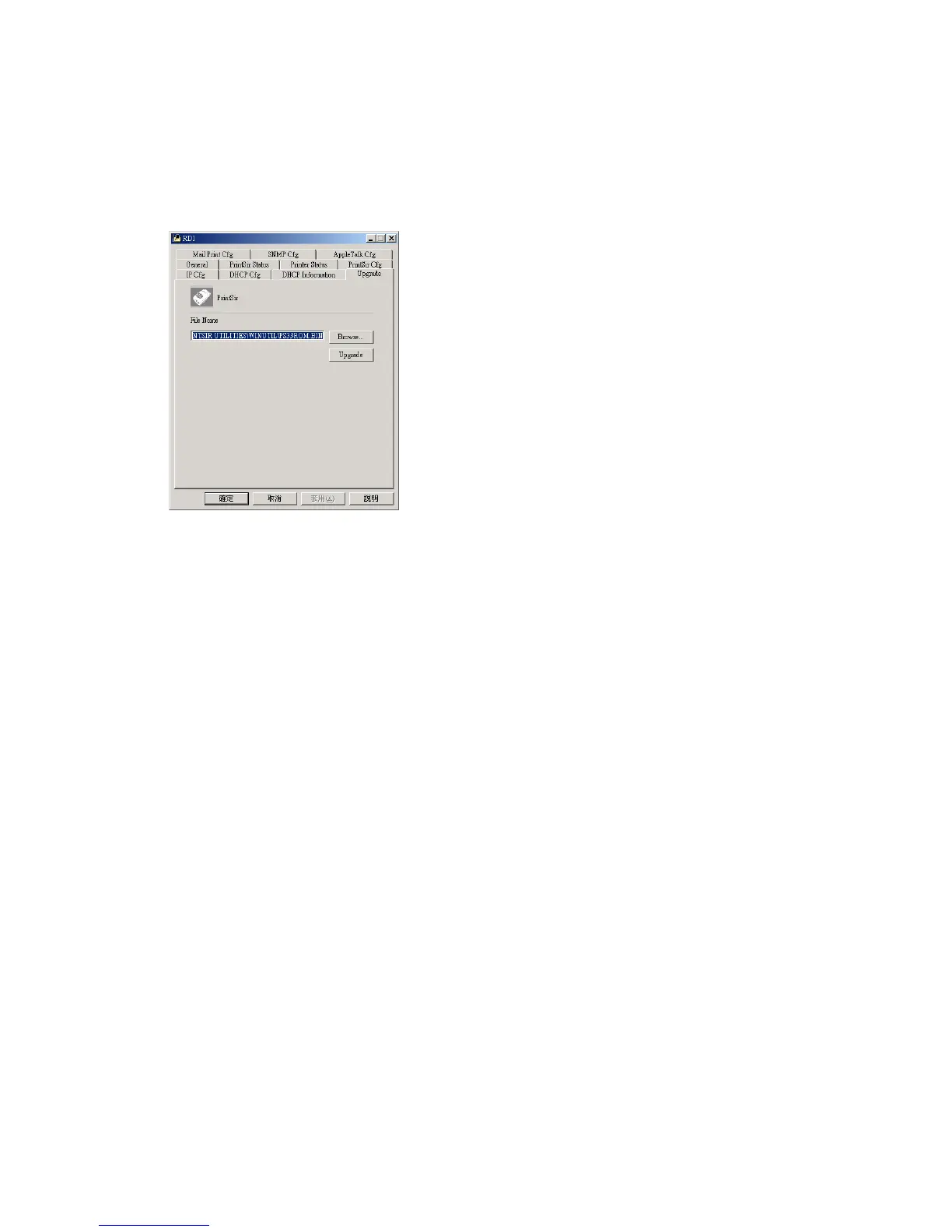
7.11 Upgrade - Firmware Upgrade / Update
The print server stores its internal programs in “flash”
memory, which you can upgrade when new versions of the
print server’s software become available. To perform an
upgrade,
Make sure the updated PxxxM_xP.BIN
(depending on your model) file is stored in your
computer or CD-ROM.
Choose the updated firmware in File Name field.
For example,
<CD Driver>\FLASHROM\<Model Path>\PSxxROM.BIN
<Model Path> Mapping
PS10M_1P => 10Mbps LAN & 1 Printer Port Model
PS100M_1P => 100Mbps LAN & 1 Printer Port Model
PS100M_3P => 100Mbps LAN & 3 Printer Port Model















 To Next Page